
What's new in TOCus 1.1.0
TOCus 1.1.0 is out!
It’s already on Chrome, Firefox, and GitHub, and I’m waiting for approval on Edge. If you installed it through a store, you don’t have to do anything. Your browser will update it on its own.
If you are still not using TOCus, get it for Chrome, Edge, or Firefox.
This version has most of what I listed under “What’s next” in the first update, plus a few things I didn’t plan. I also made the first TOCus ad. It wasn’t straightforward, so I’ll talk about how that went.
What’s new
The complete list is in the release notes. The things I mention below are the changes I think stand out.
Exceptions for paths and subdomains
Until now, TOCus paused whole websites.
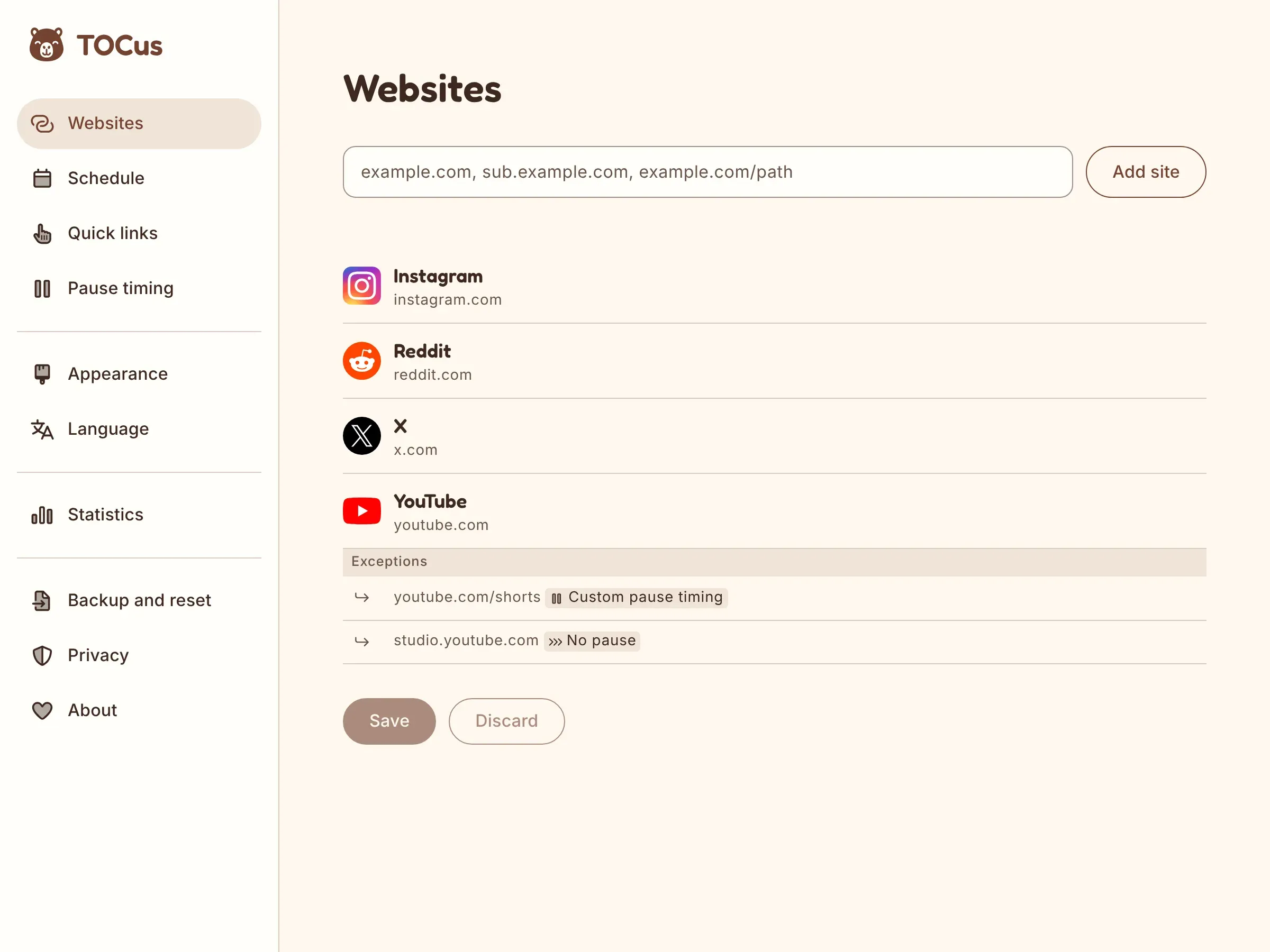
Now you can add a path, like youtube.com/shorts, or a subdomain, like studio.youtube.com, and TOCus lists it under its website as an exception.
Each exception can have its own pause timing and schedule, or no pause at all.
When you add YouTube, for example, TOCus automatically adds studio.youtube.com too, with no pause, because that’s where people manage their channels.
And if you only add youtube.com/shorts, TOCus pauses Shorts and adds YouTube without a pause.
You can change both, of course, but the idea here is that you have to do less while getting more.
Exceptions ended up working almost like the table I made for the last update. In the screenshots, YouTube pauses as usual, Shorts start with a 20-second wait instead of 10, and Studio opens without a pause.
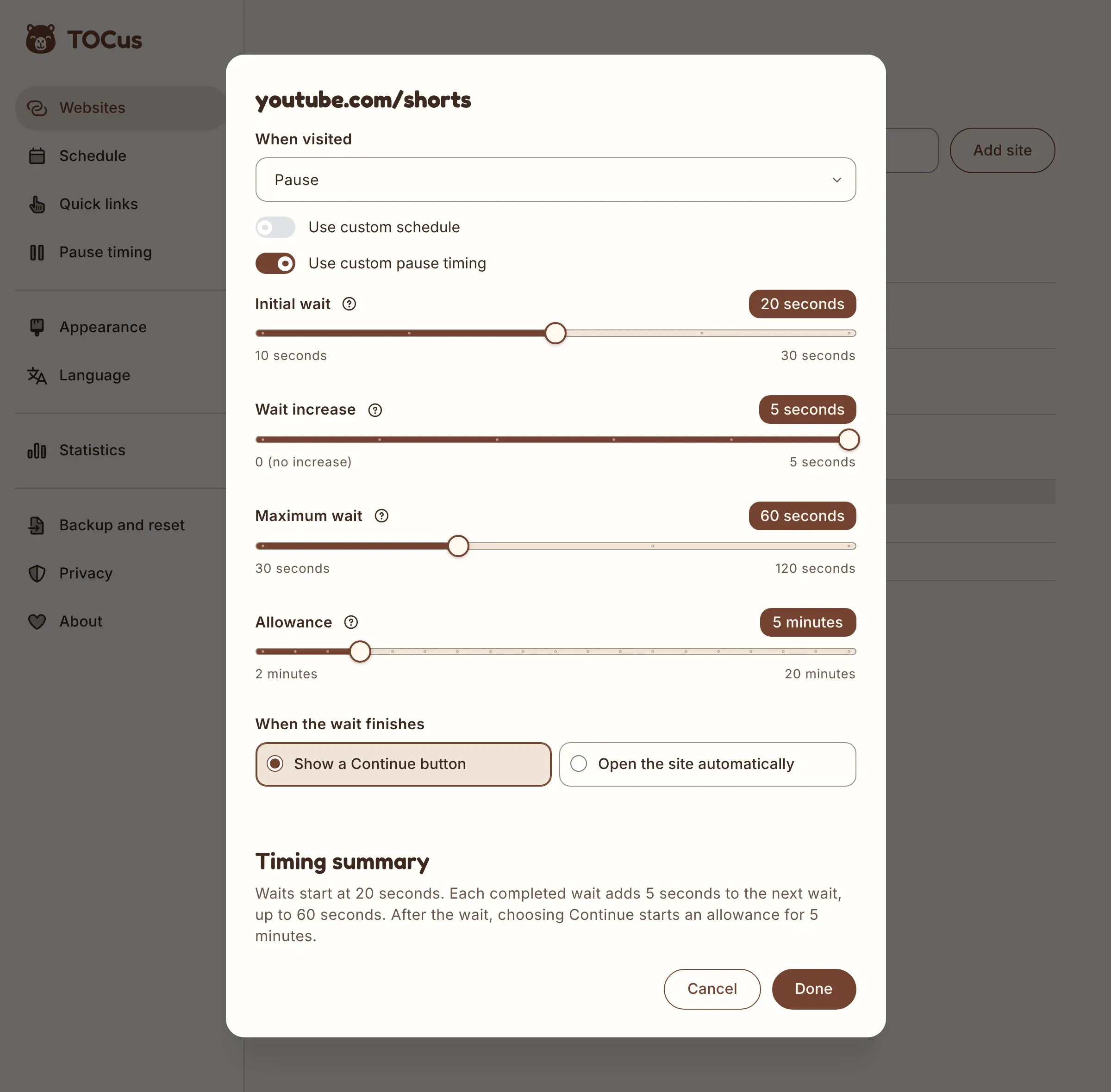
The dialog for an exception has the same timing settings as a website, with a short timing summary at the bottom.
Adding several websites at once
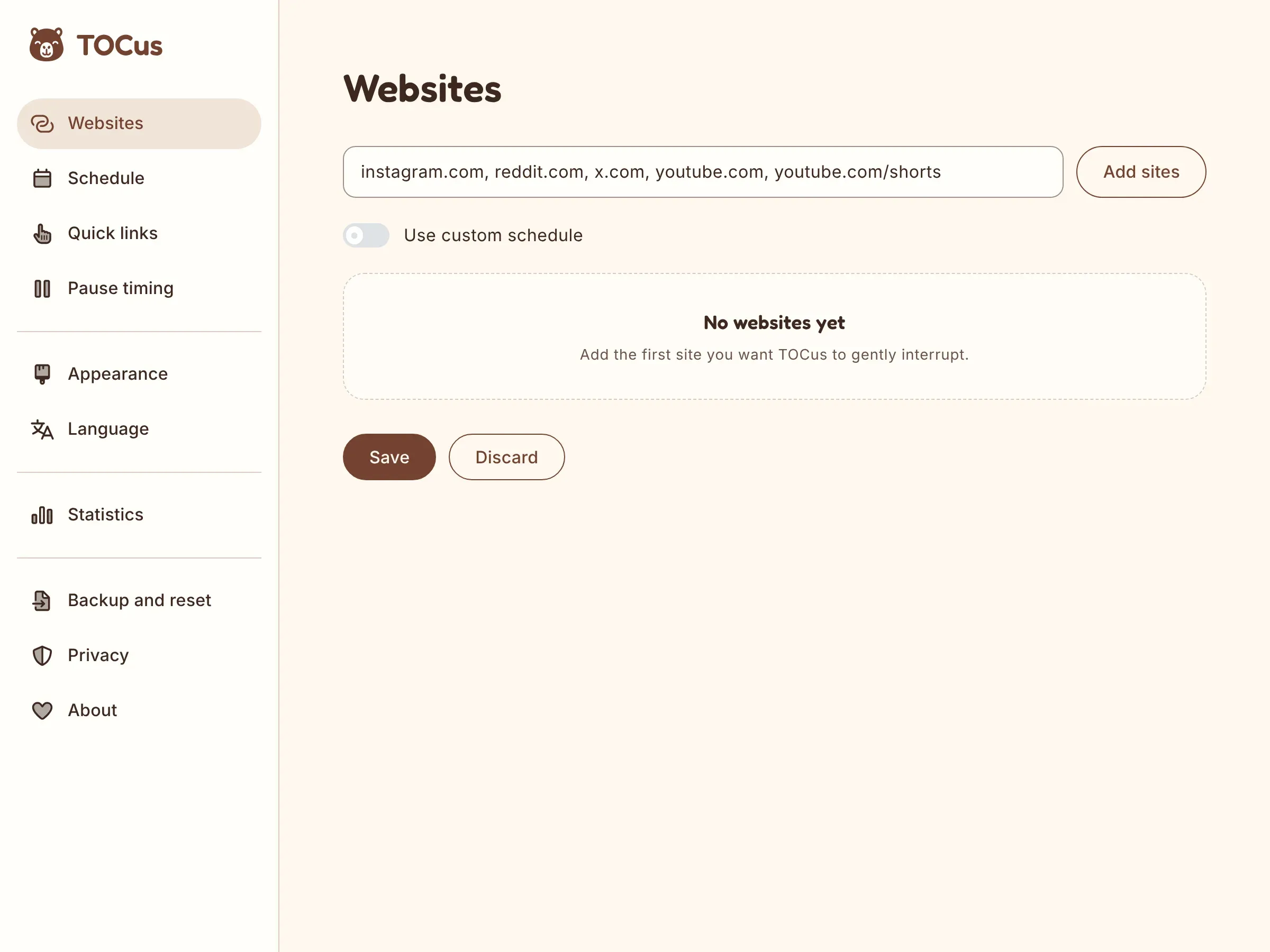
You can paste several addresses separated by commas, in Settings and during the setup. The example in the field shows a domain, a subdomain, and a path.
TOCus skips the addresses you already have and leaves your existing rules alone. During the setup, it waits until you finish before asking for browser access.
Quick links
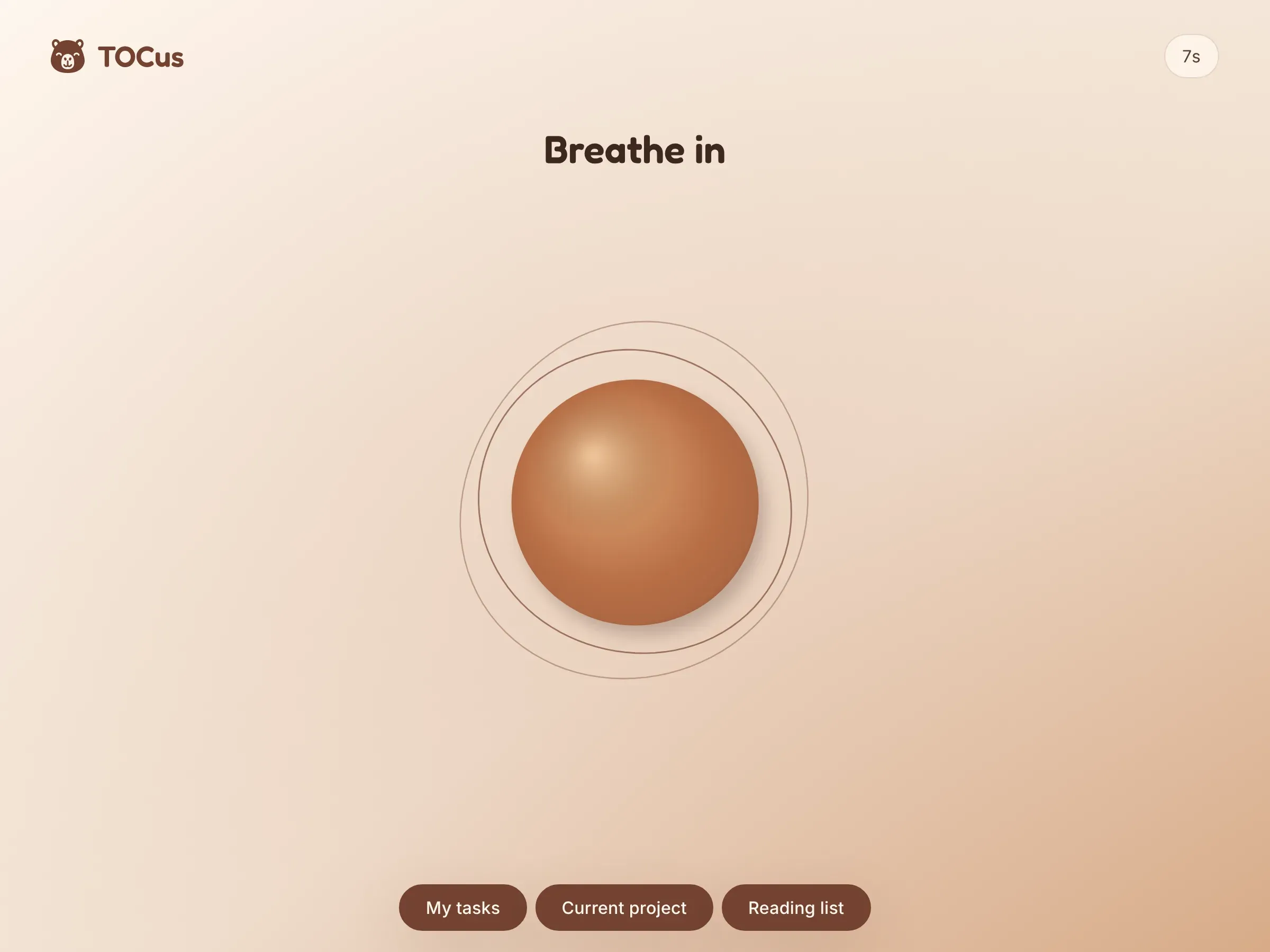
Last time, I said I wanted shortcuts on the pause screen so you could get back to productivity faster. So I introduced Quick links, up to three shortcuts that show up before a website opens and when your browsing time runs out.
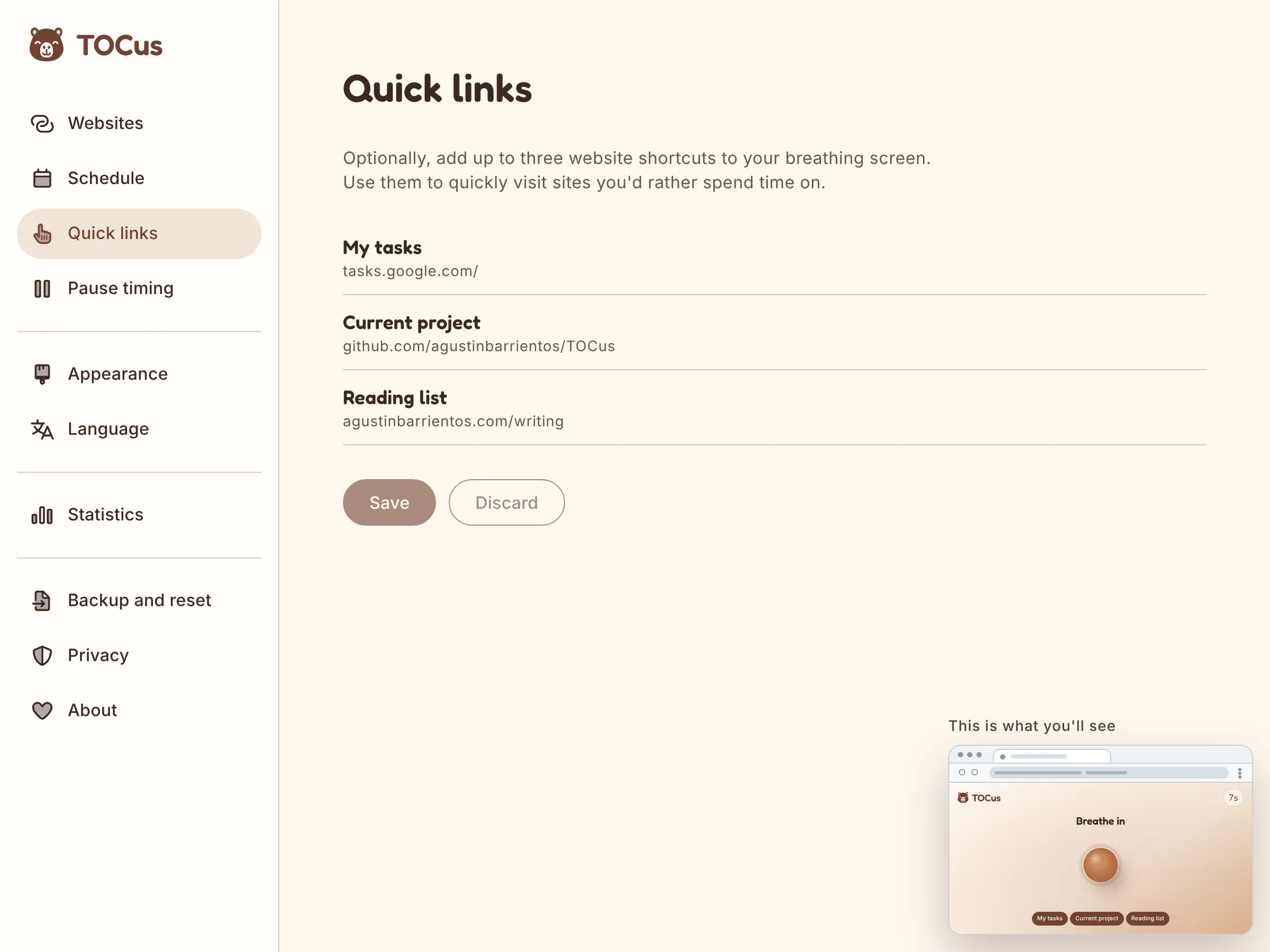
You can manage and reorder them in a new Quick links page in Settings, below Schedule.
The Quick links and Appearance pages also have a small preview of the pause screen in the bottom right corner. The preview changes while you edit, before you save.
Statistics
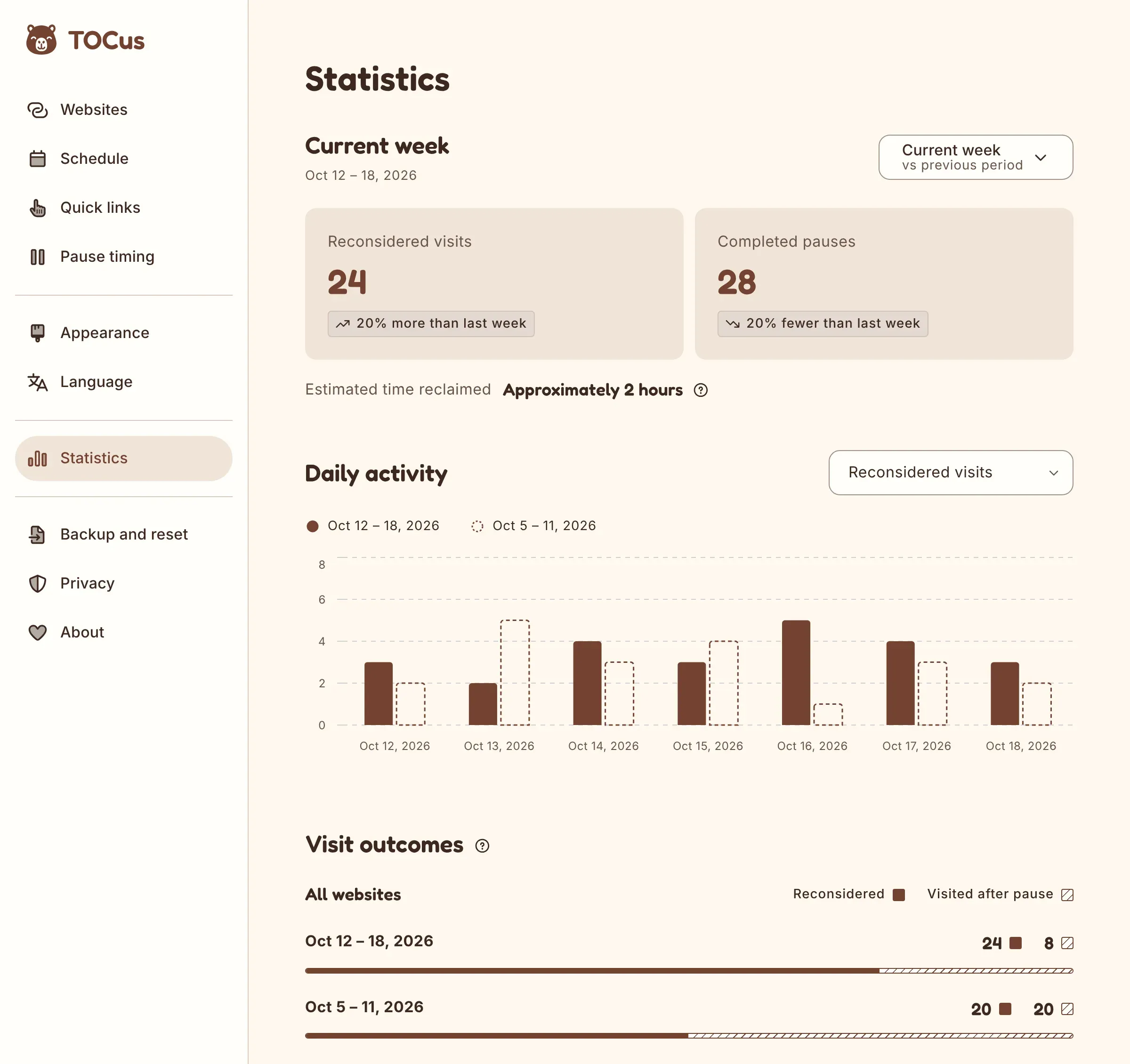
I changed the way statistics are displayed. The page starts on , but you can change the period to the current month, the current year, or all time.
The “Daily activity” section also has its own menu to choose which statistic you want to see. The “Visit outcomes” section shows how many visits you reconsidered and how many you continued after the pause, for all your websites and for each one. There’s also a chart with your reconsidered visits by hour, to see the time of day you reconsider the most.
The website and hourly breakdowns start counting from this update, because older versions didn’t record them. Like the rest of your data, they stay on your device and go into your backups.
And there’s an optional comparison with the previous period. When you turn on Compare with previous period in the period menu, the totals get tags like “20% more than last week”. The previous period shows up in the charts as dashed bars. TOCus hides the comparison until it has enough history for both periods.
I have a dilemma, though. This is valuable data. I mean, who doesn’t want better analytics? But trends… are they good at all? Useful?
For example, if you see that reconsidered visits went up 20%, is that good or bad? On the one hand, it means you stopped yourself from visiting sites you used to spend a lot of time on, which is good. On the other hand, it could mean you’re compulsively visiting those sites more often, which is bad.
The goal is to see changes in your habits, not just more or less activity. But how do I show that?
Anyway, for now, at least, the tags show the changes in the raw counts, and the “Visit outcomes” bars show the share of visits reconsidered. Counts can rise simply because someone attempted more visits, so seeing them together should help us judge whether the tags are useful. You’ll need to analyze the data yourself, but I hope it helps you see your habits more clearly.
Check the screenshot above. Reconsidered visits went up 20%, while the share of visits reconsidered went from 50% to 75% (20 of 40 the week before, and 24 of 32 this week). That means there were fewer visits this week, and 75% ended during the pause instead of 50%. Only 8 continued to the website, against 20 the week before.
On its own, the tag would look the same in a worse week. With 24 reconsidered visits out of 60, it would still show “20% more than last week”, but the share would drop to 40%, and 36 visits would continue to the website instead of 20.
I’ll see with time how good this information is, and in any case, I’ll change it again.
Backups
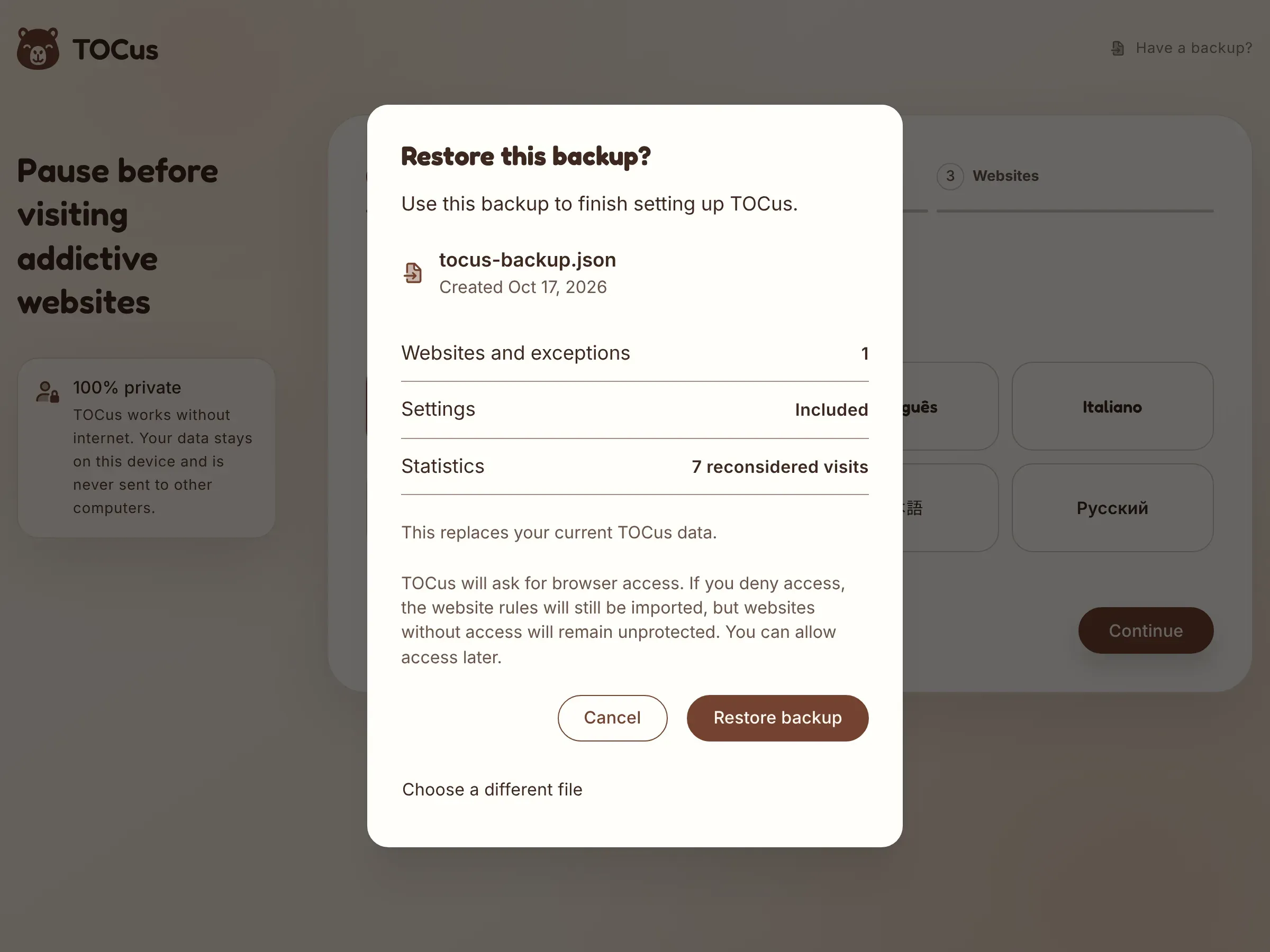
Before this version, you had to set everything up again after switching browsers or reinstalling TOCus. With a backup, you can take your websites, schedules, preferences, quick links, and statistics to another browser or to a new install of TOCus. It’s a JSON file that TOCus creates on your device, so it’s all local.
During the setup, the button at the top lets you restore one. Before it replaces anything, TOCus shows you what’s in the file. If you deny browser access, TOCus imports your website rules anyway and starts pausing those websites when you allow access.
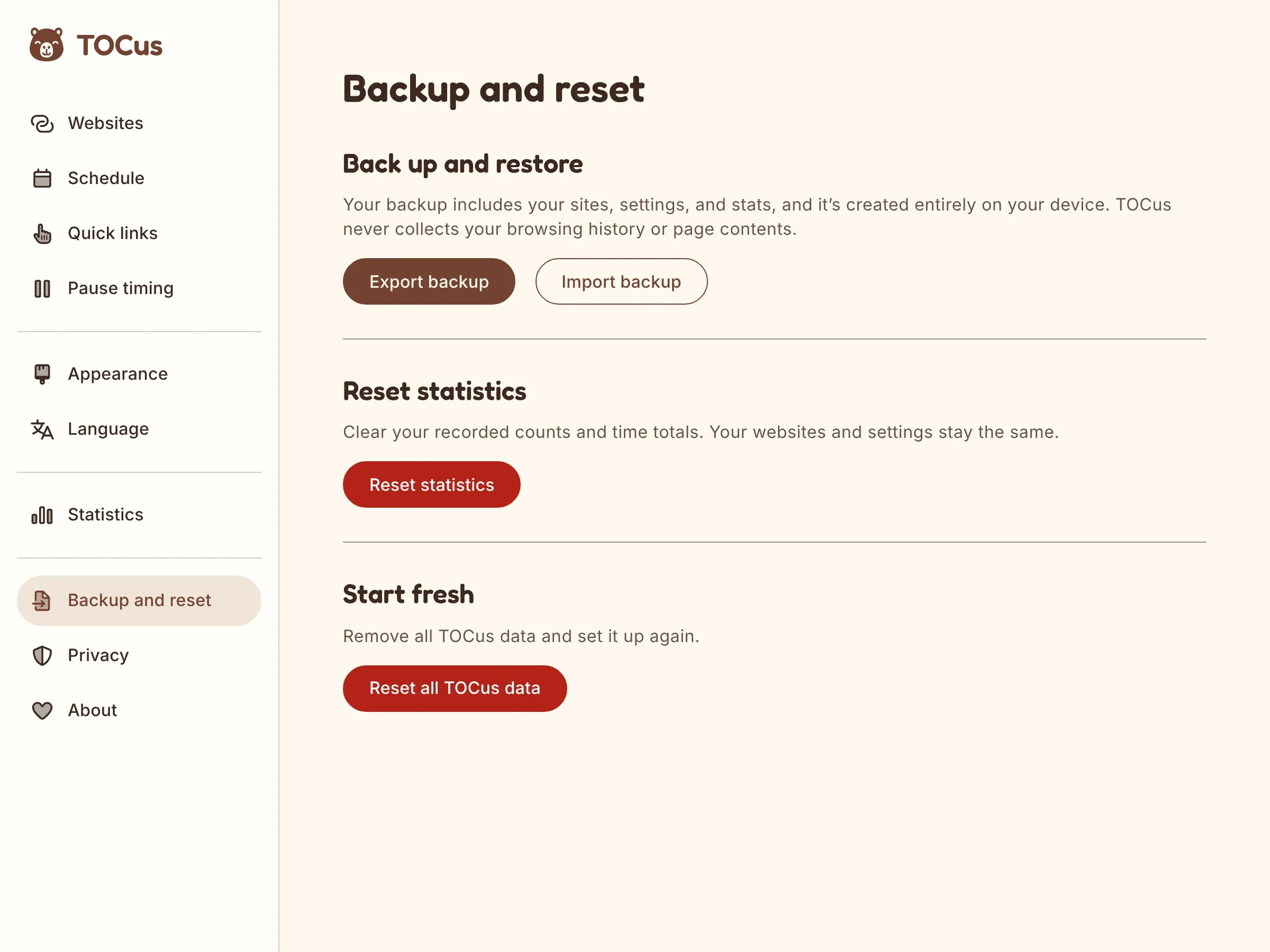
I initially grouped import, export, and reset controls under Privacy because they all involved locally stored data. After thinking about discoverability, I decided that keeping the sidebar short wasn’t enough reason to put those actions somewhere people might not expect. I considered “Manage data”, but it still left the contents unclear, while “Import/Export” didn’t describe the reset options. I settled on a dedicated “Backup and reset” page containing backup, restore, statistics reset, and full reset. Privacy now focuses solely on explaining local storage and browser permissions.
Fixes
I also fixed a few bugs:
- TOCus shows the pause correctly now for links to highlighted text from a search result (the ones with
#:~:text=in the address). After the pause, you still land on the highlighted part. - When you go back or forward in the browser, TOCus brings back the right pause and counts your reconsidered visits correctly.
- Browsers sometimes stop an extension’s background code and start it again later. If that happened at the wrong moment, a pause could fail to open or lose its countdown. Pauses open and resume normally in that case.
- In Chrome and Edge, the website you paused keeps its icon after you open a quick link.
- On phones, the top of the TOCus website doesn’t jump anymore when the browser’s address bar appears or disappears.
The ad
In the first update, I said I’d probably give Higgsfield AI a try for promo videos. Higgsfield is a platform with several AI image and video models in one place.
Well, I tried it.
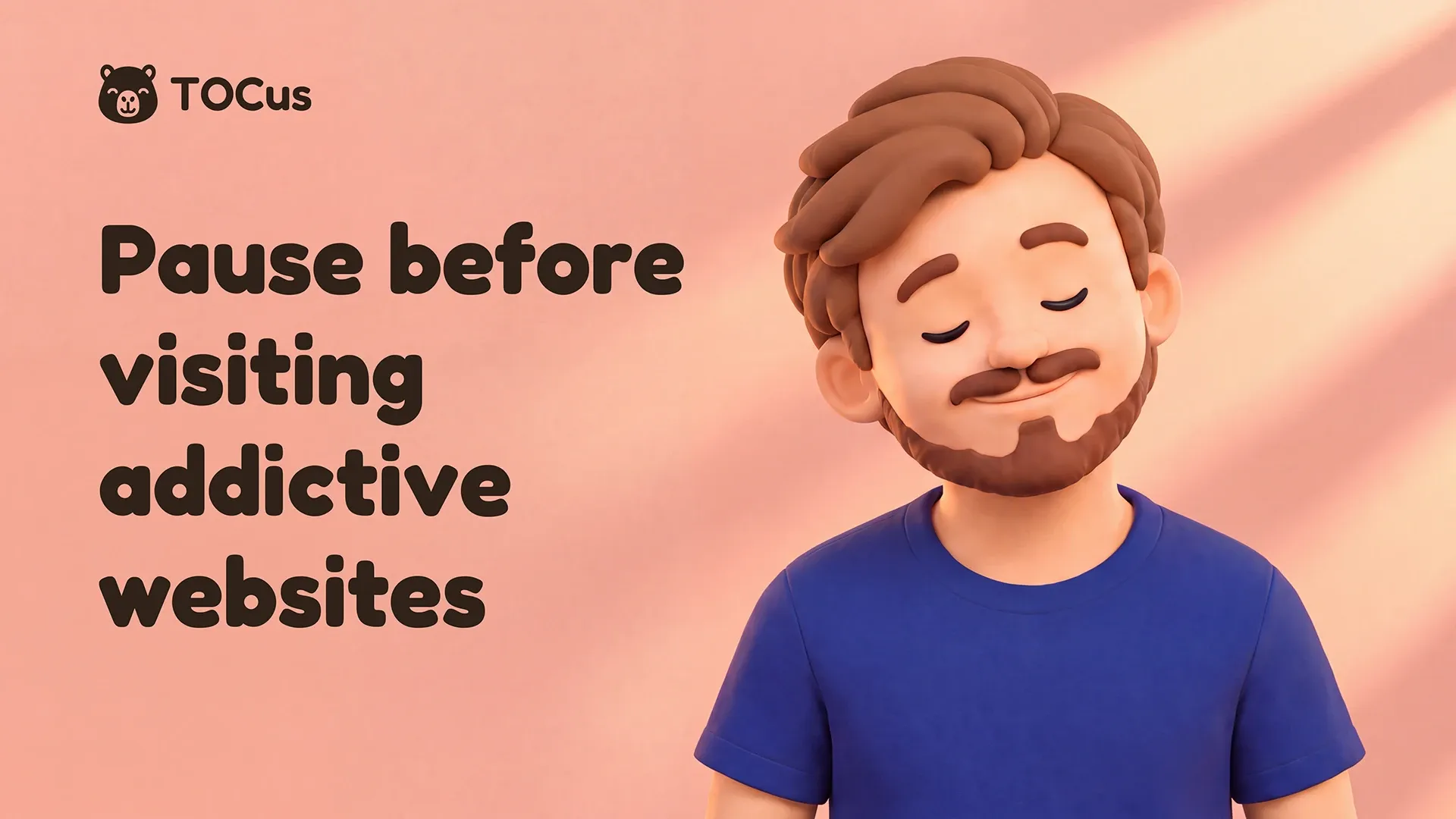
Not bad, eh?
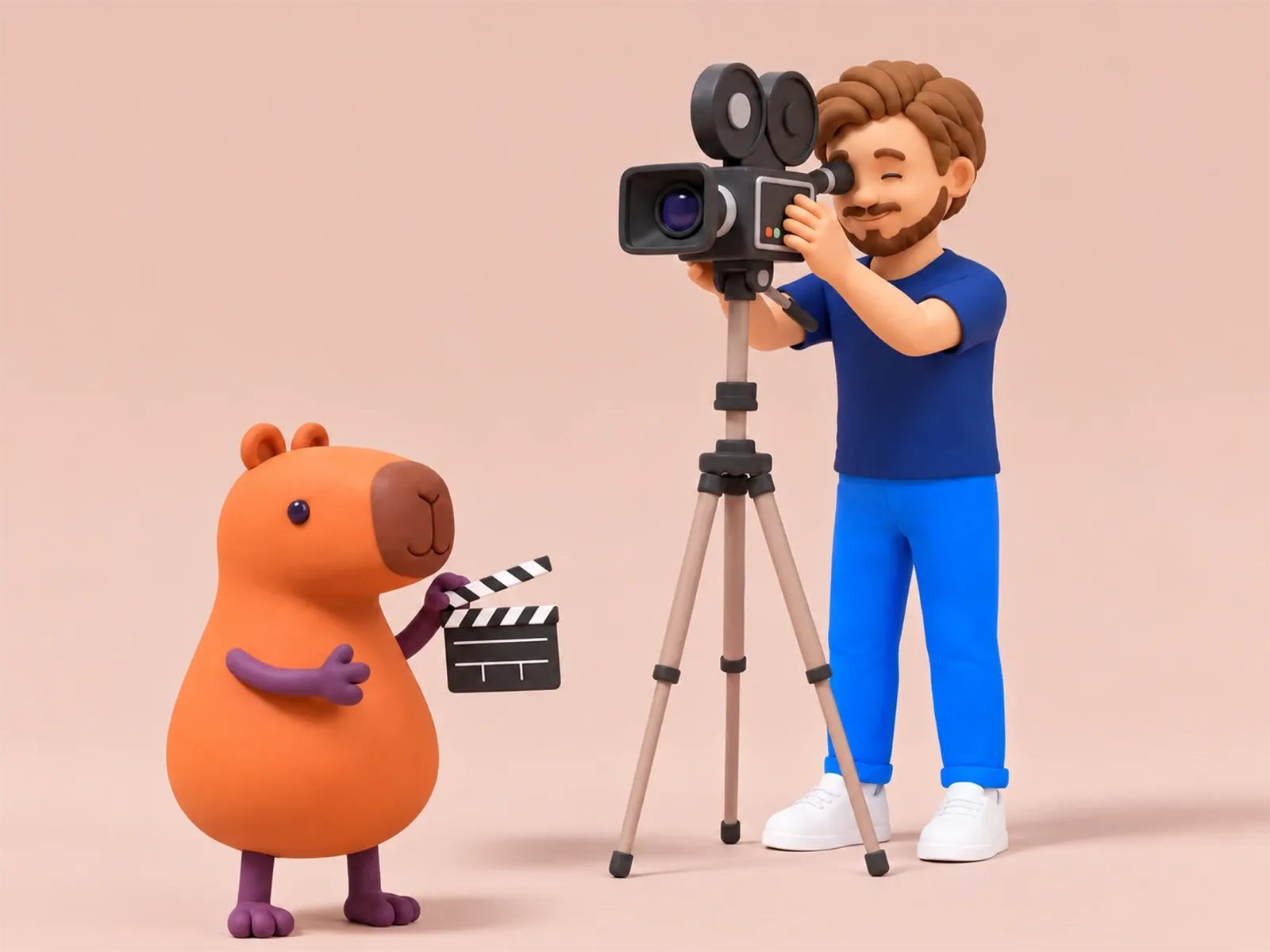
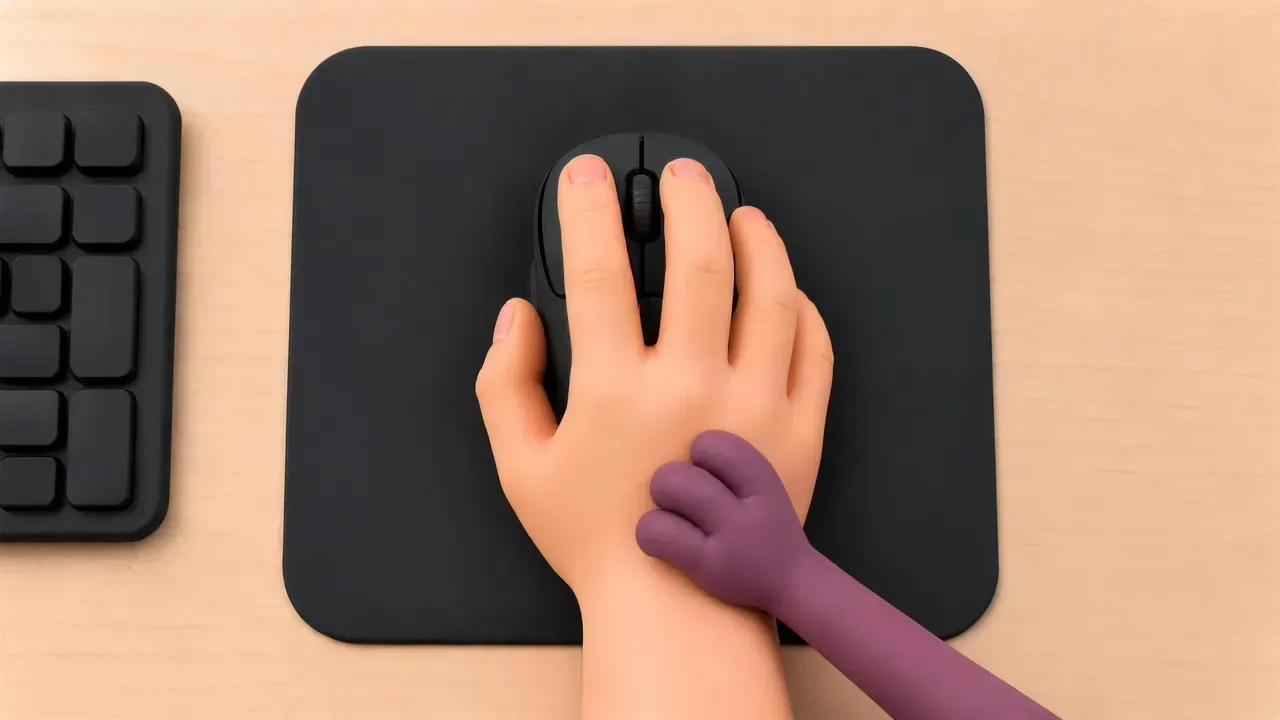
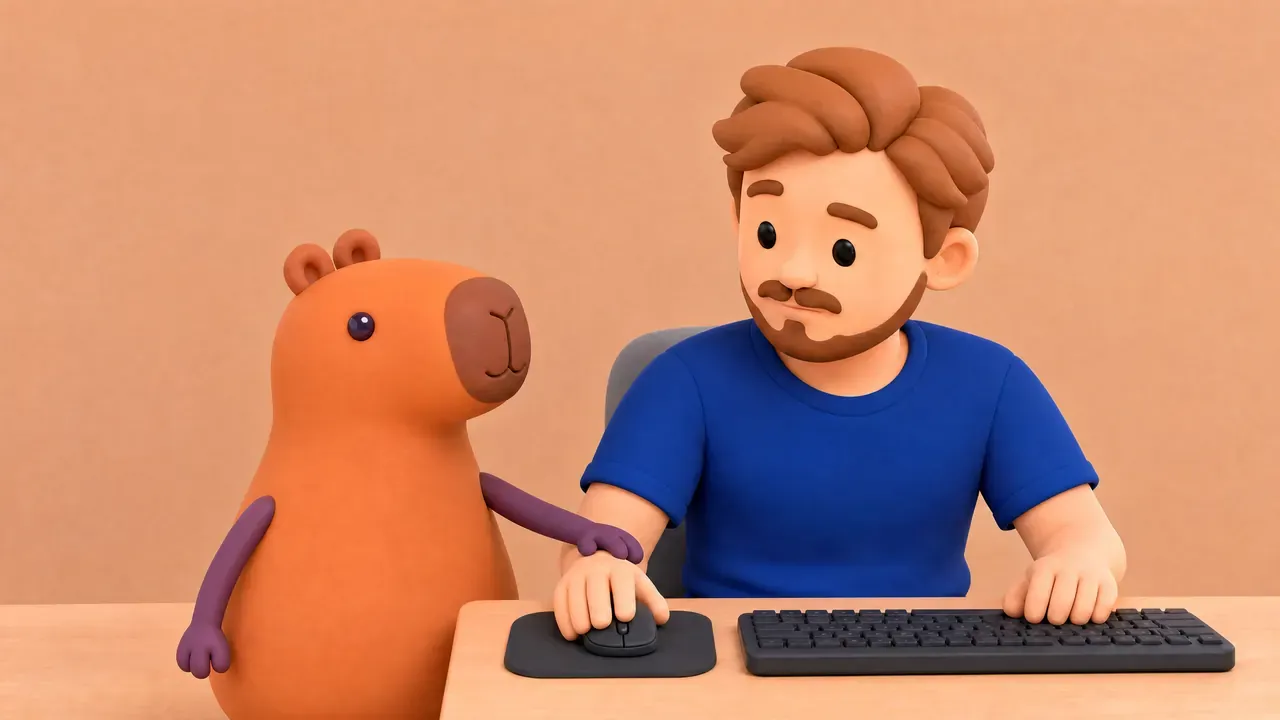
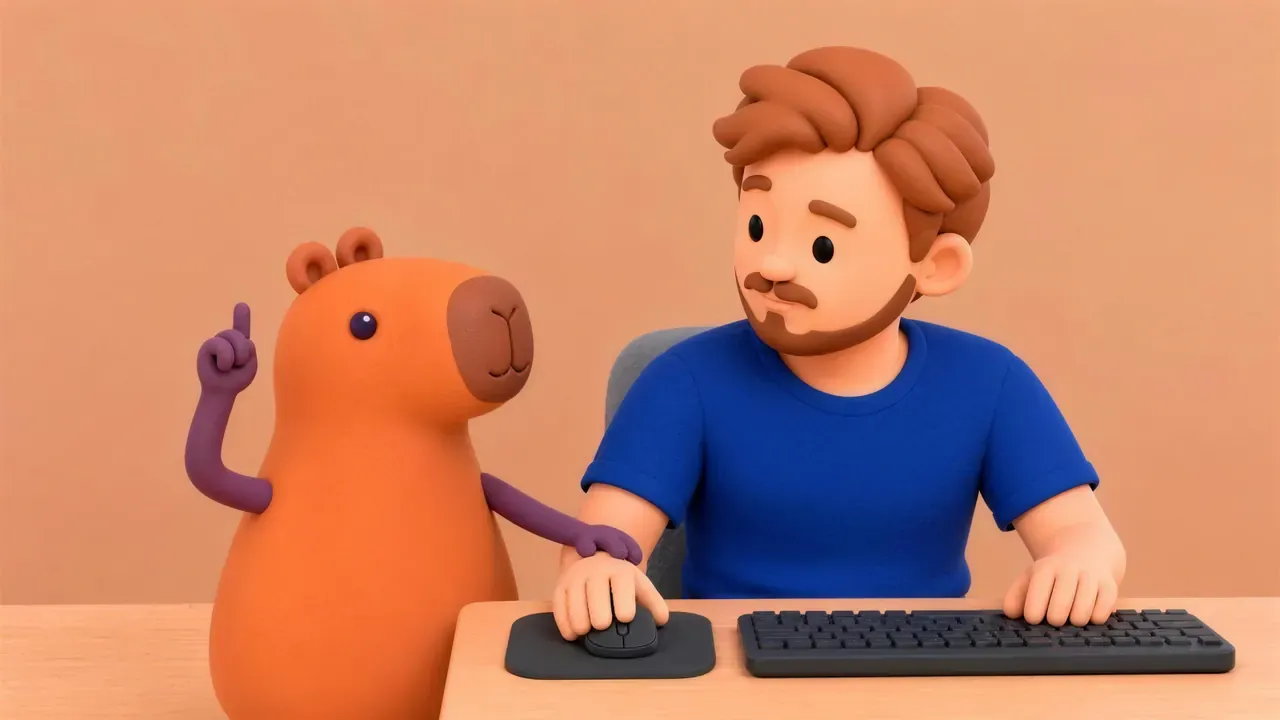
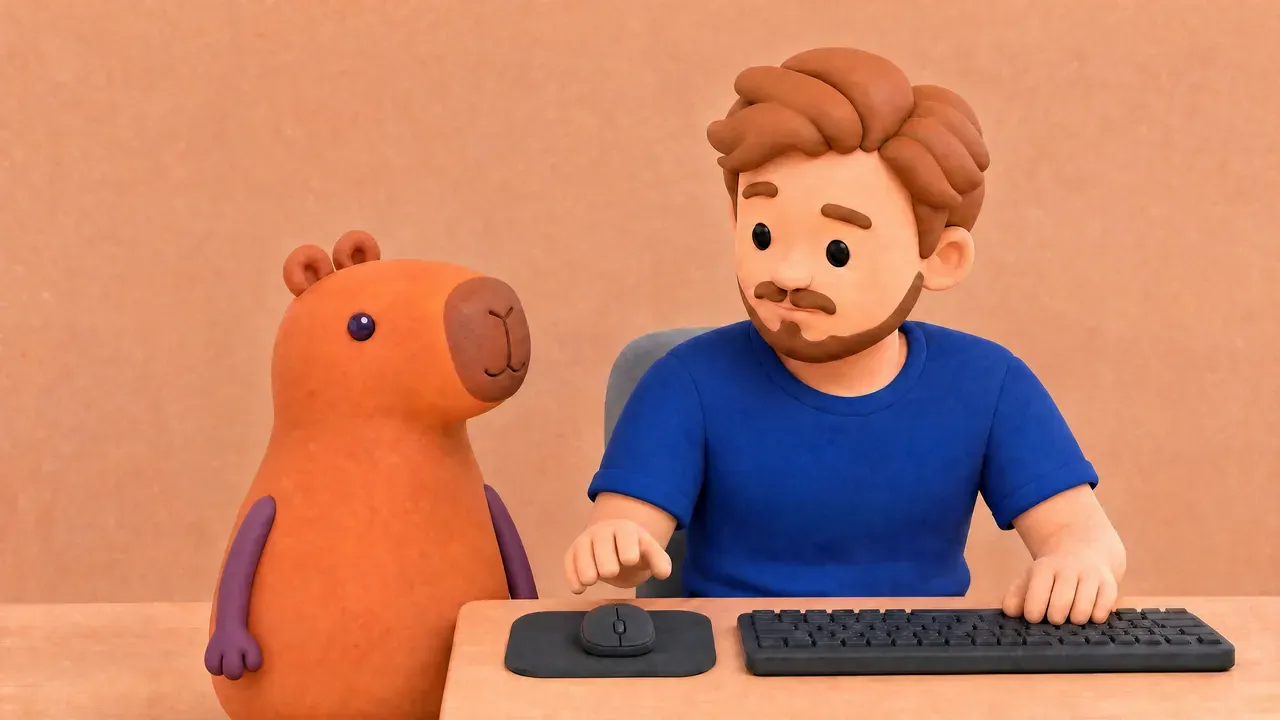
It’s a 28-second story with the clay version of me and the capybara, who stops me from going back to funny videos instead of working.
Before generating any video, I made a storyboard of 30 still frames with Codex, one for each second. Each one had notes for the camera, the action, the light, and the sound.
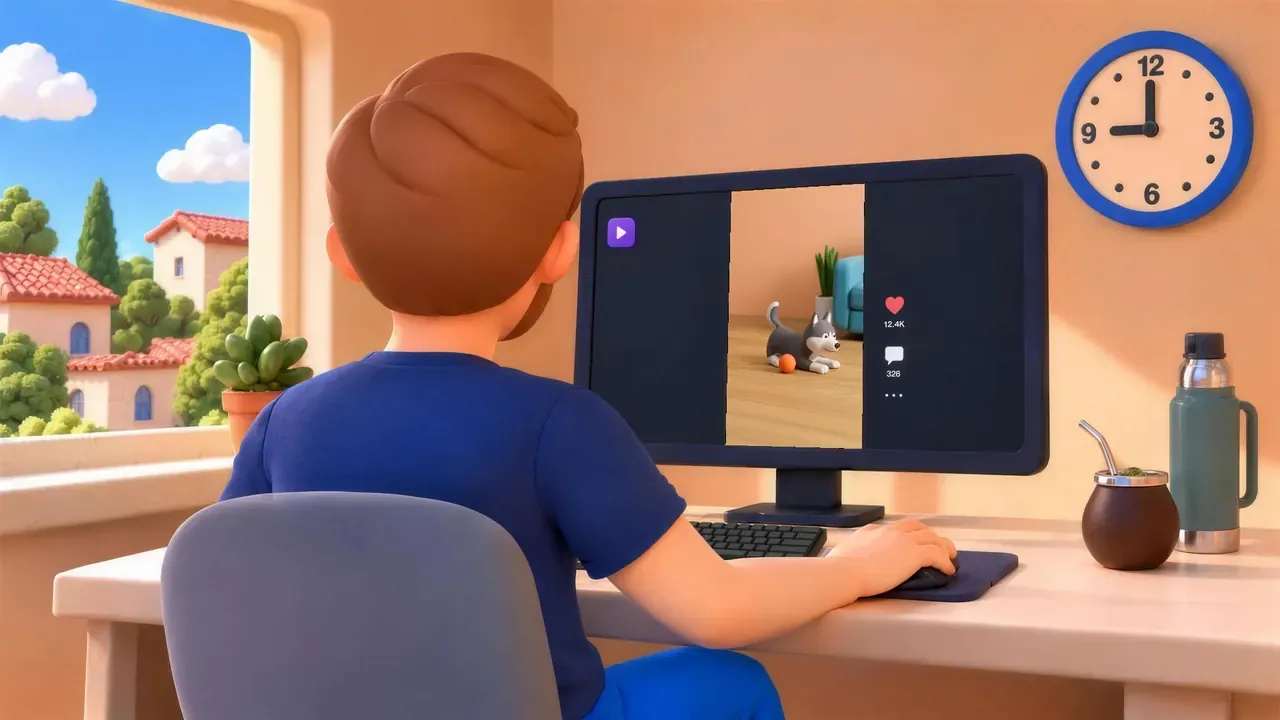
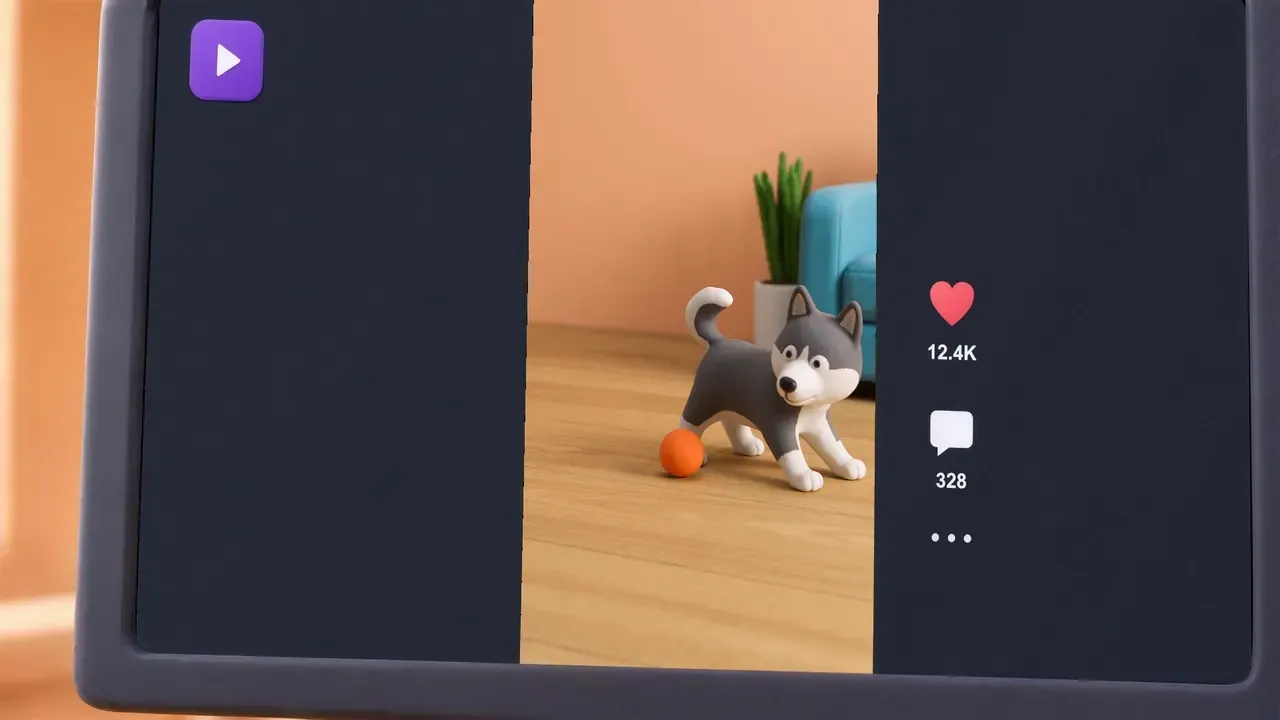



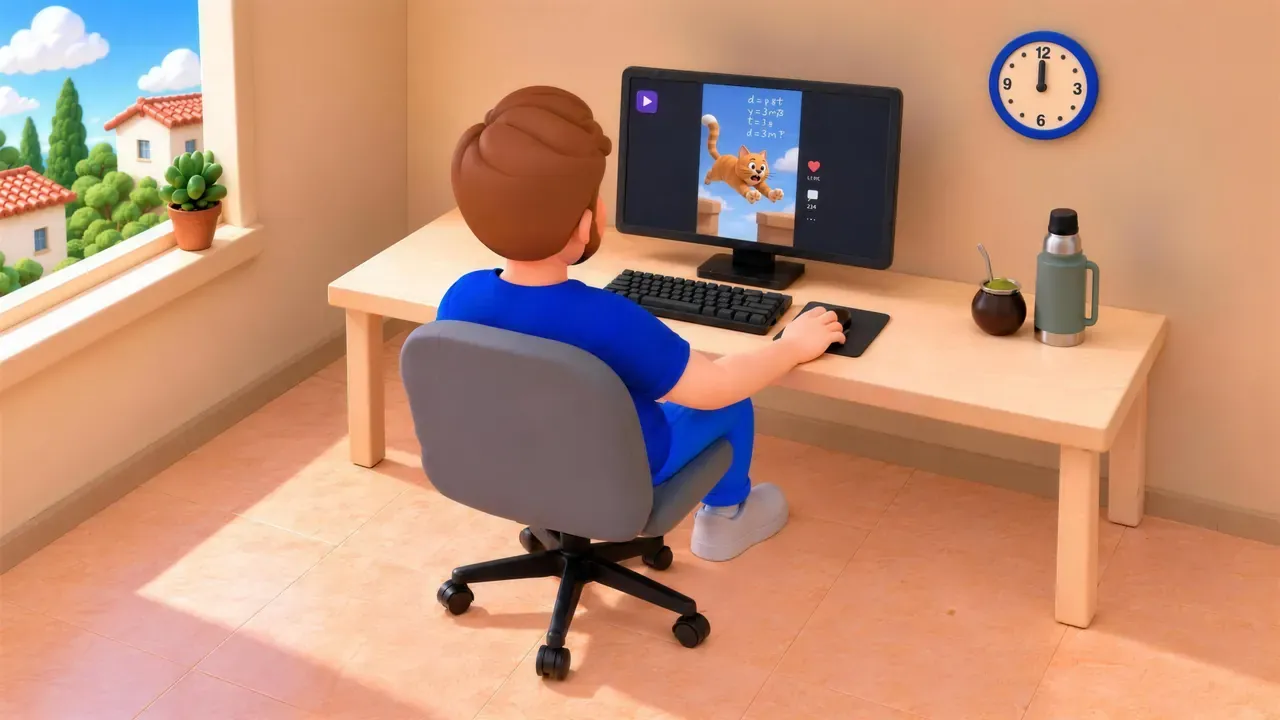

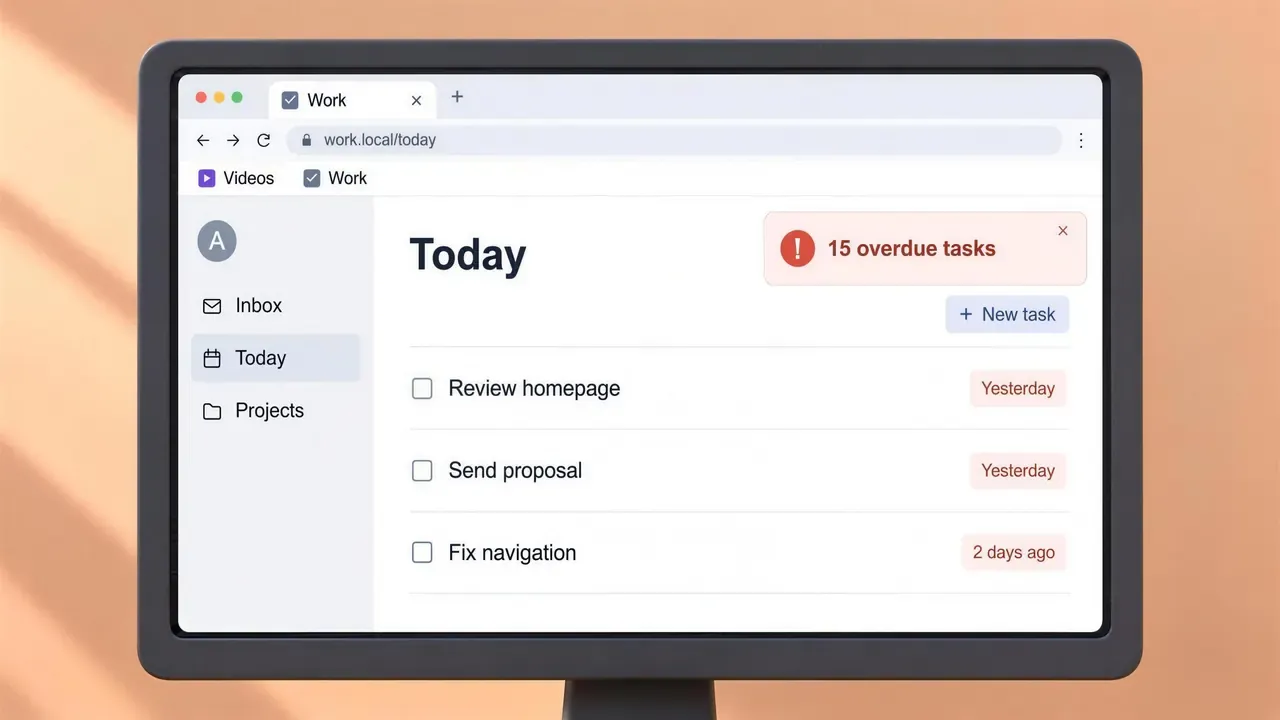

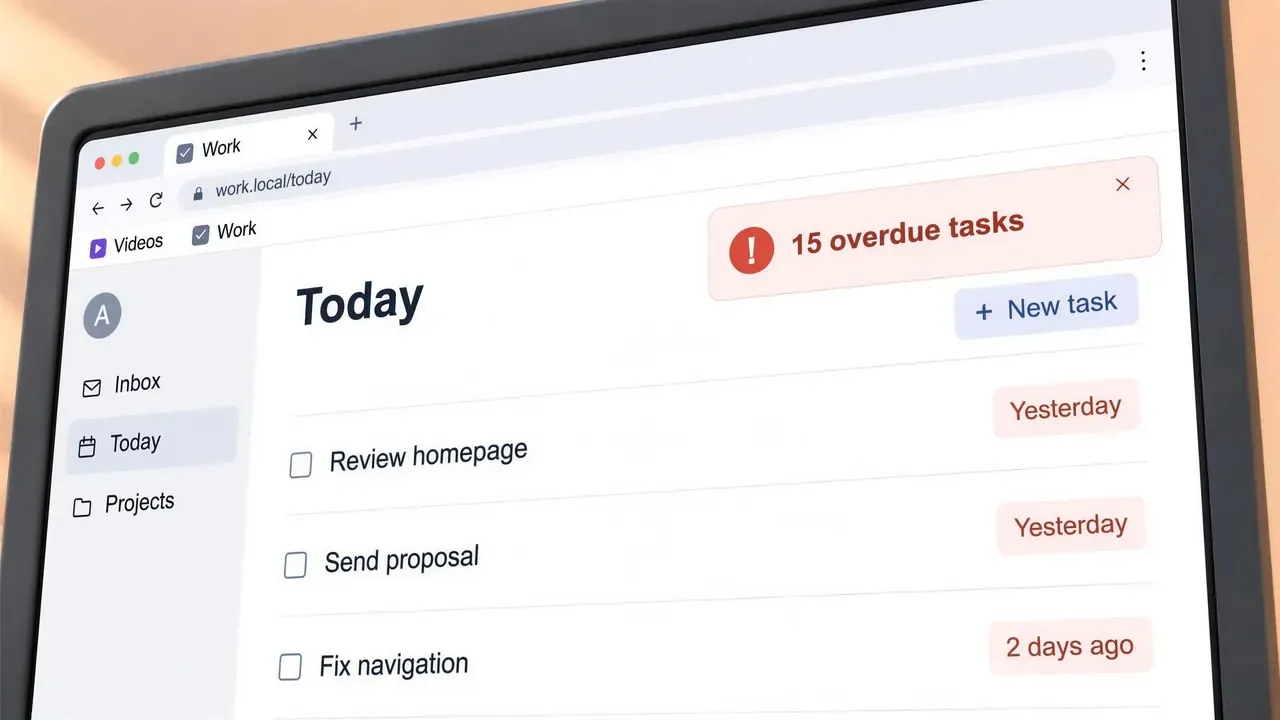



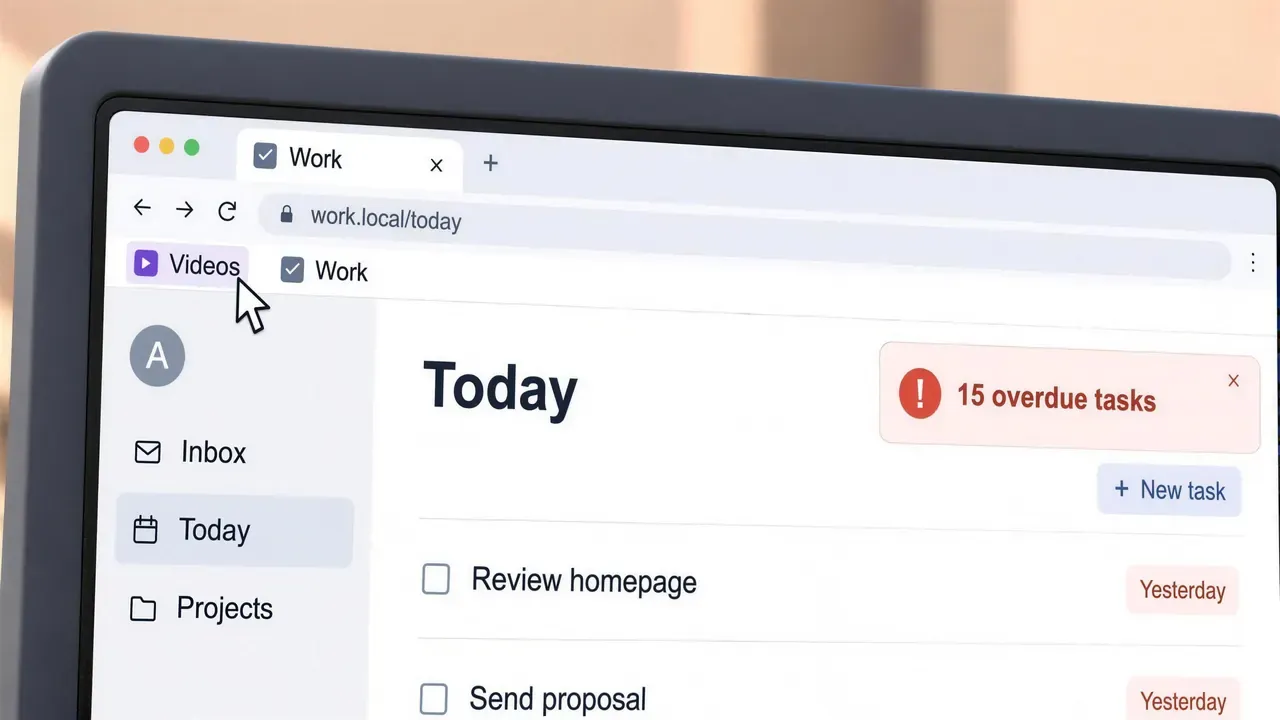


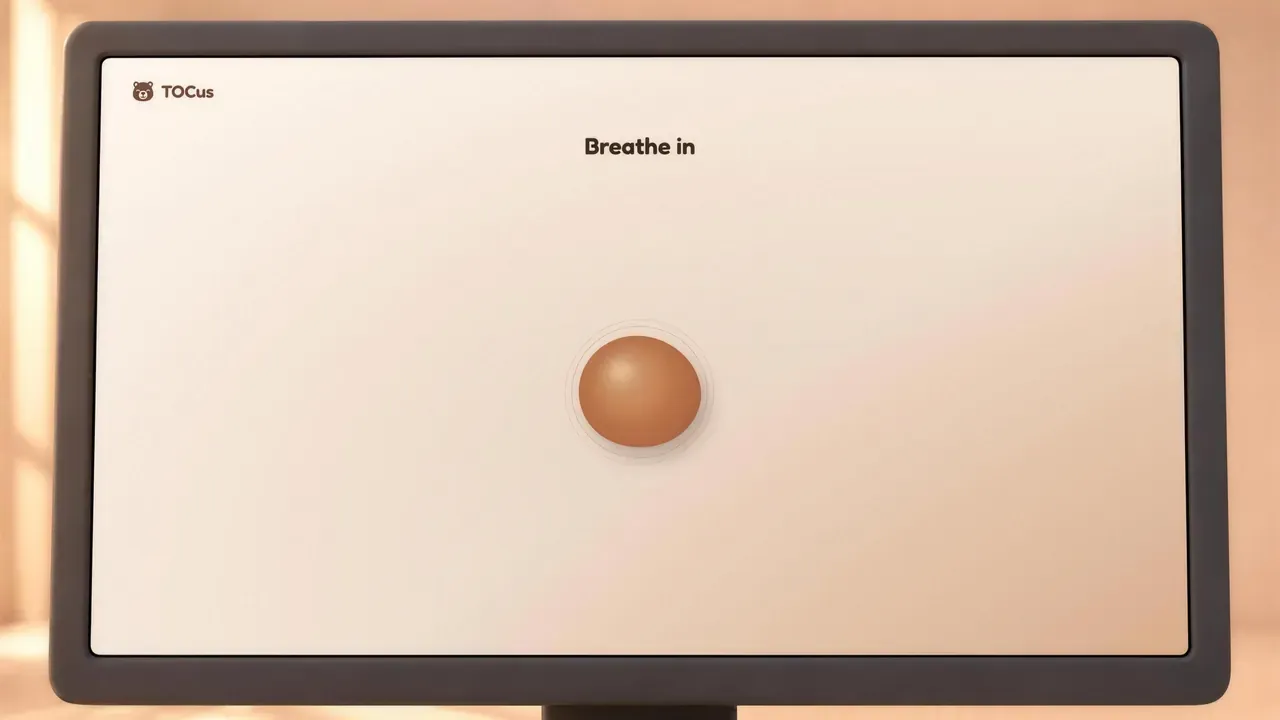
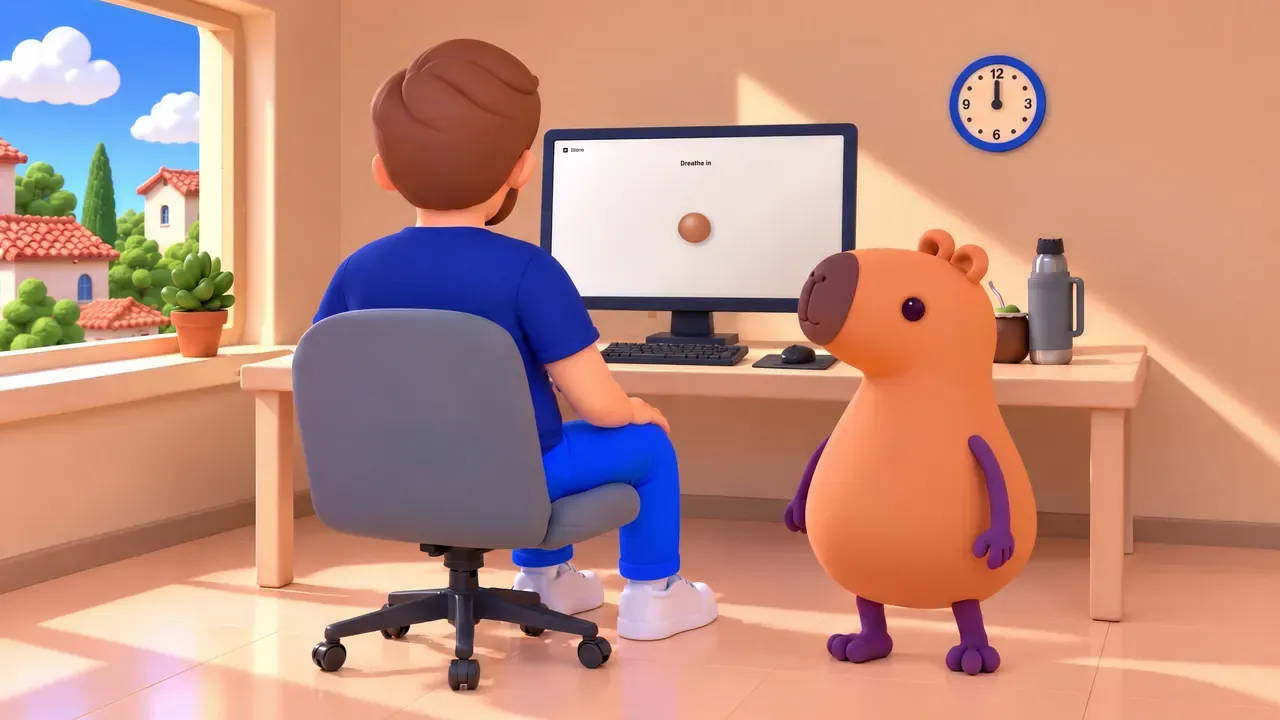
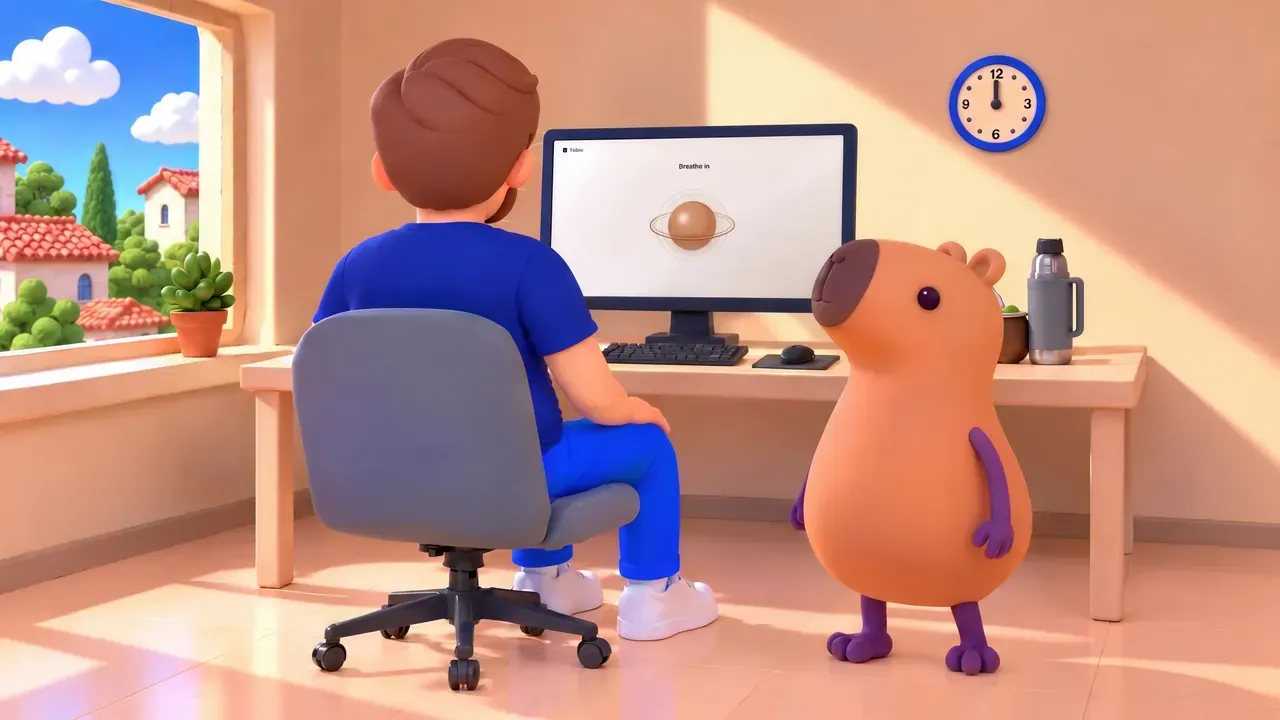
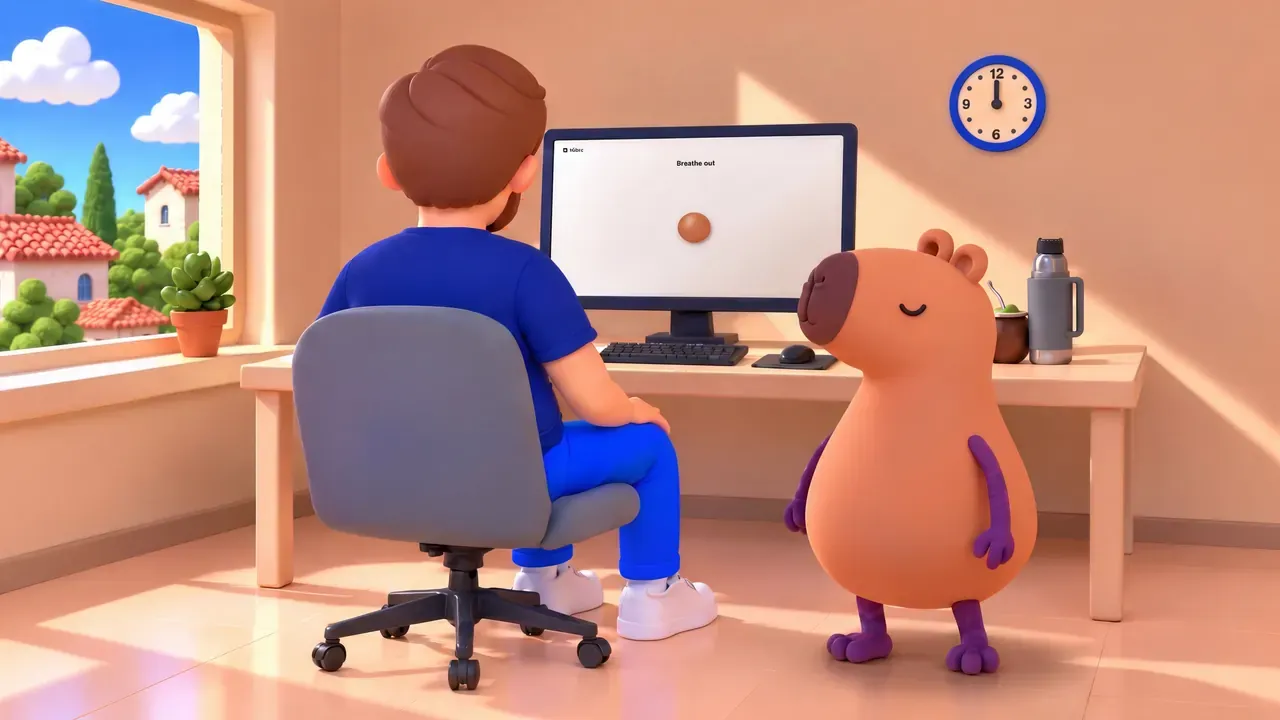

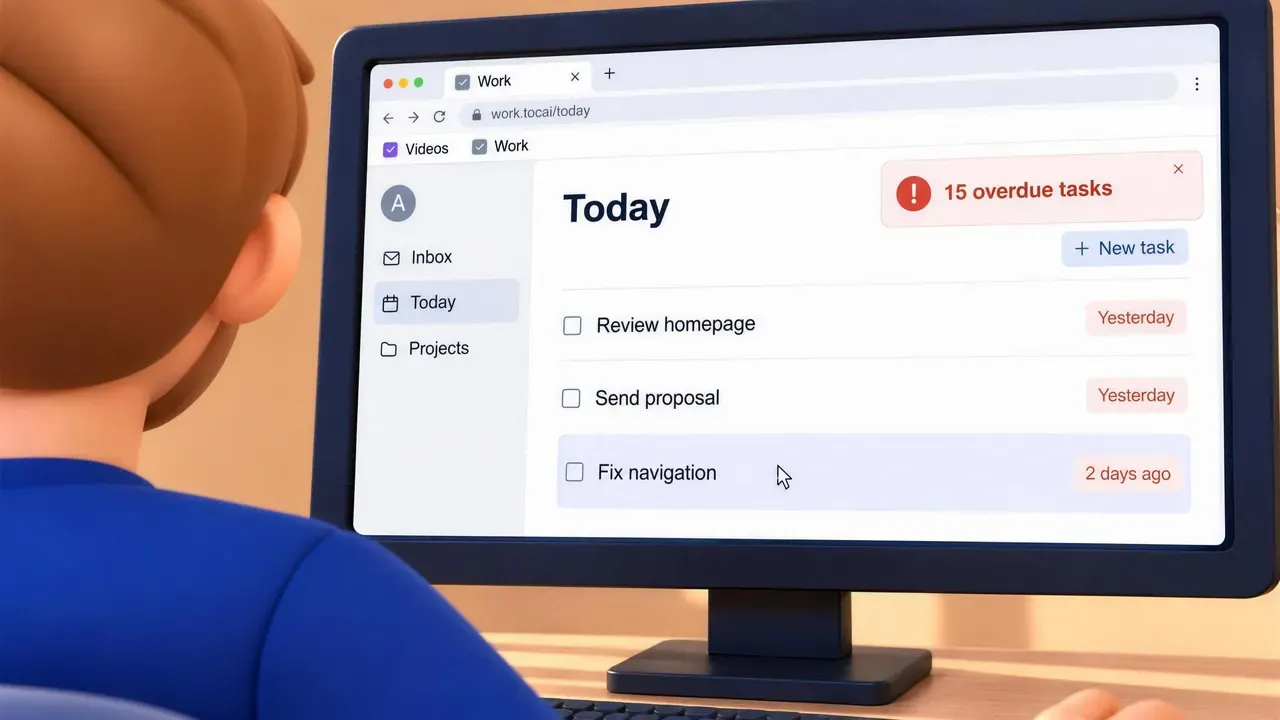
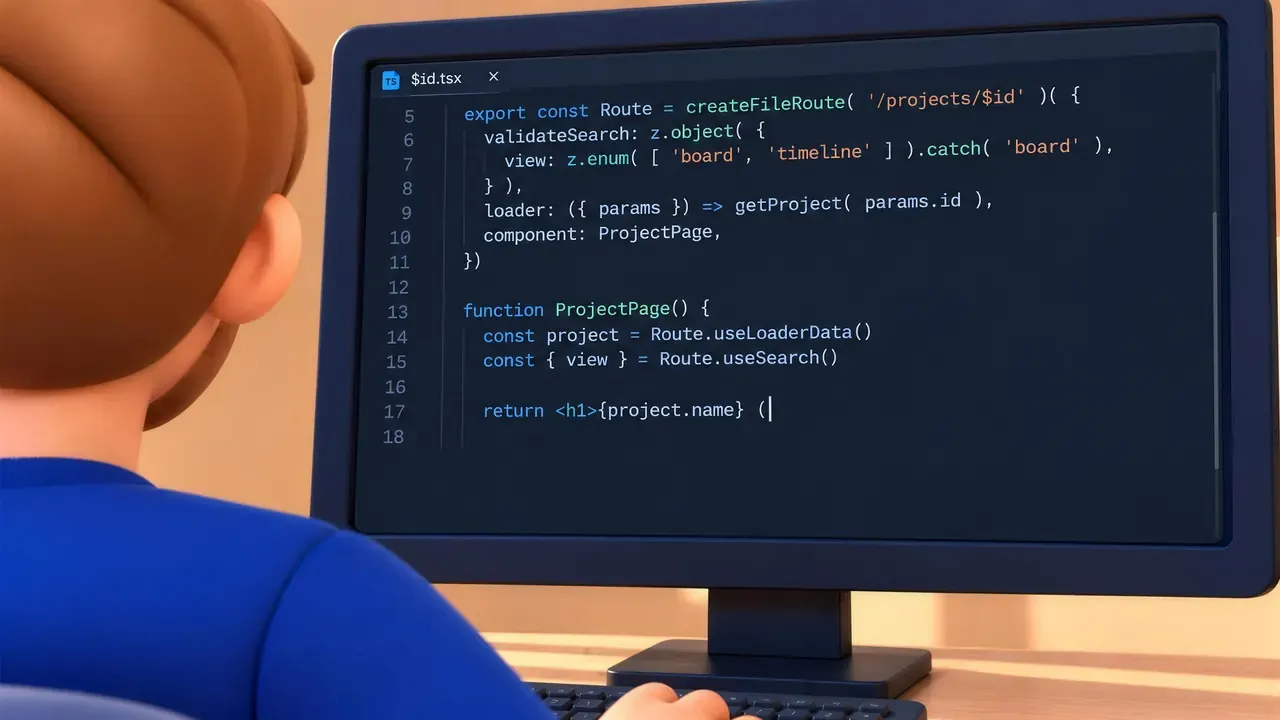
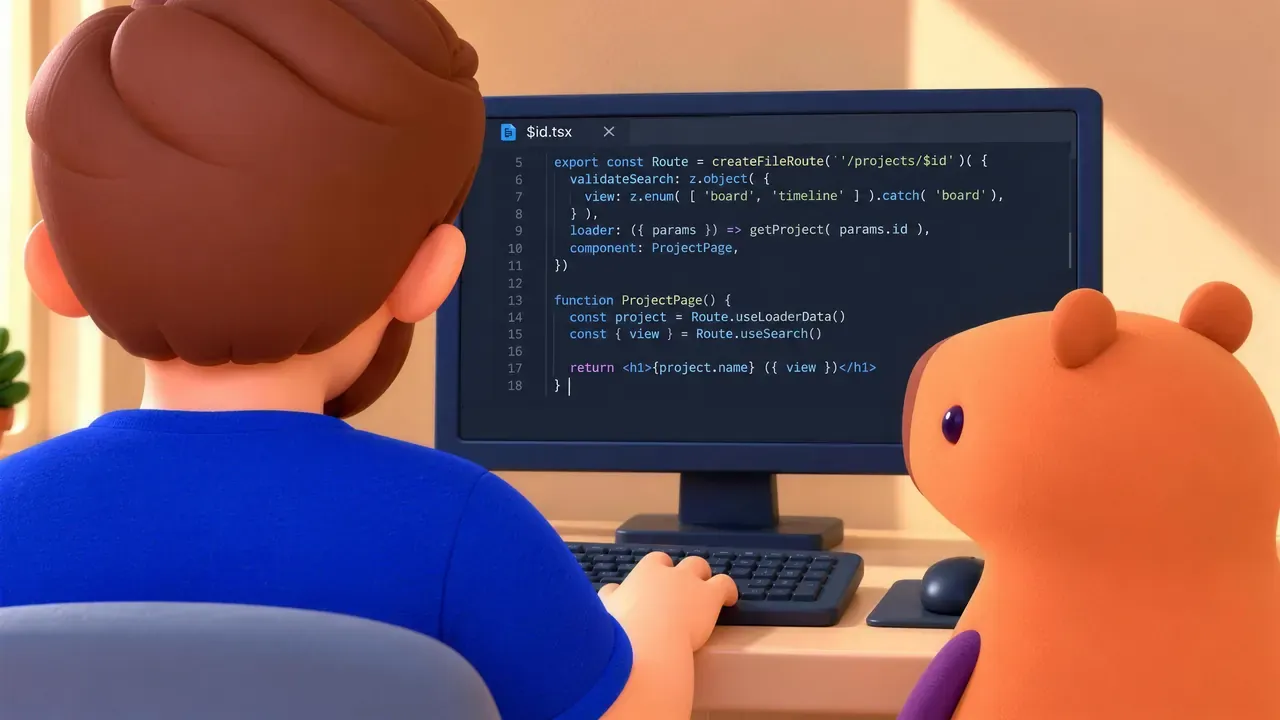
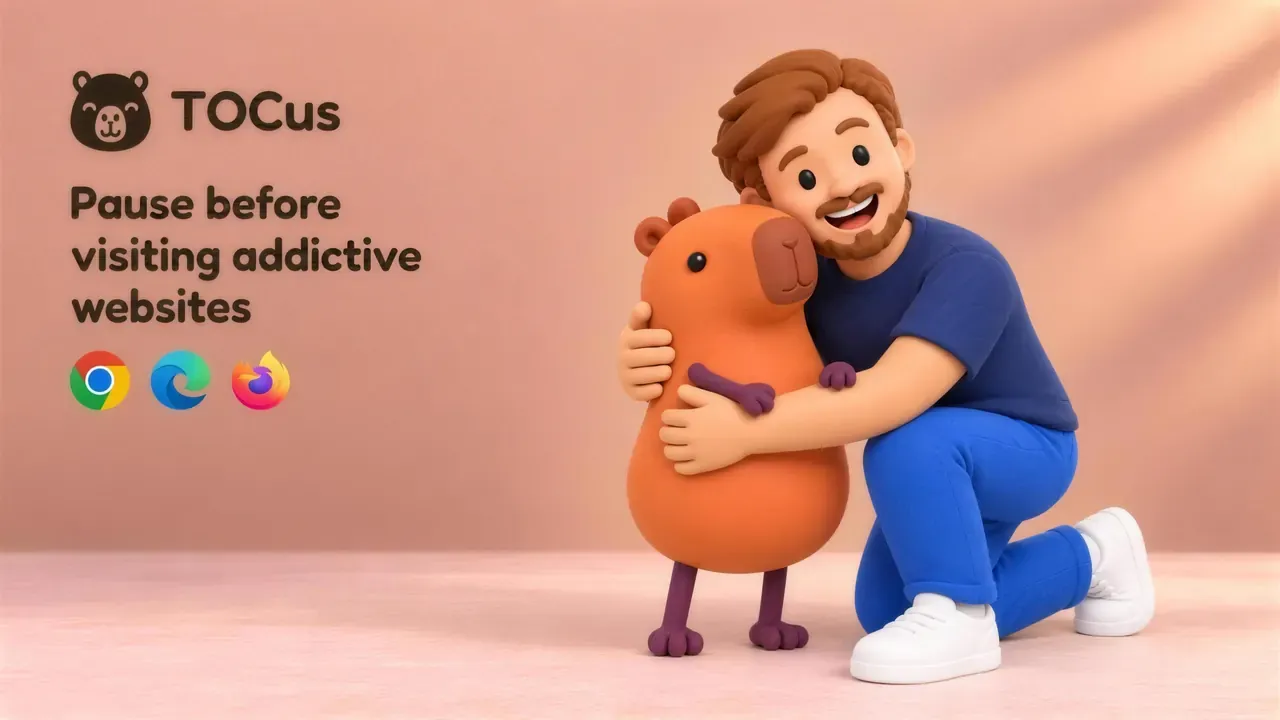
Keeping everything consistent was an absolute nightmare.
Every new image changed something, like my face, my hair (at some point it looked like dreadlocks), the beard, the clock on the wall, the plant by the window, or the mate on the desk. It reminded me of the frustration of making an image 1px bigger in Microsoft Word and watching the entire layout break in 10 different ways.
The capybara grew between shots and sometimes stood on an invisible step. It looked like it was just floating. And it kept getting four fingers on paws that should have three. Sometimes it was just one paw, with three fingers on one and four on the other.
To help with that, I made reference sheets with 18 images of me (8 poses and 10 expressions), 4 views of the capybara, and the office from each of its 4 walls. I even used a photo of a real mate and thermos to get their proportions right. Those 18 images of me are now the reference for the covers on this site too.
Codex used separate agents to review every frame, but more than once they approved images that were obviously wrong. I ended up checking the frames myself, again and again. I spent way too much time making this video.
Just to give you an idea of what I mean, the four frames where the capybara stops my hand took about 30 attempts. Yes, I generated about 120 images for 4 frames, and I still had to fix the capybara’s paw in Photoshop for one of them.
Once I was kind of happy with the frames, I upscaled almost all of them to 4K with Higgsfield, for 2 credits each.
For the video, I used Seedance 2.5, one of the video models on Higgsfield. Higgsfield lets you save characters and places as Elements, which are sets of reference images. I created Elements for me, the capybara, and the office.
After a first 5-second test, I tried to generate all 30 seconds at once, with every frame and the Elements as references, 50 images in total. The request failed because Seedance 2.5 on Higgsfield takes up to 50 references, but only 30 of them can be images, and the rest can be up to 10 videos and 10 audio files.
Then I tried three longer clips, of 8, 12, and 10 seconds, for 360 credits. All the story beats were there, but the clock moved at the wrong time, my finger lifted instead of scrolling, and a window appeared behind me in a shot where the room only has a plain wall. It was impossible to get the consistency and timing I wanted with clips that long.
In the end, I went four seconds at a time, at 48 credits per clip. Some clips took around 15 minutes to render, but at least I had some control back.
That said, this process tested my patience. Higgsfield even rejected one of the dog clips for intellectual property, without explaining why, and refunded the credits.
Once I had all the clips, I continued in Adobe Premiere Pro. I could have used Codex or Claude to put the clips together, but there were many things I had to fix manually.
I cut parts of some clips and muted the video, because the generated sound effects were pretty bad. They were unusable. For example, Higgsfield decided it was a good idea to add a voice saying “Nah, bro” when the capybara put its paw on my arm, haha.
In total, the ad used 1,324 Higgsfield credits. The $49 a month plan only gave me 1,000, so I canceled it and paid $224.25 for a yearly plan that also gives me 1,000 credits a month. The Codex chat I used for the ad, on the $200 a month plan, used 102.47% of my weekly usage limit by itself.
So the ad cost approximately $102 in AI subscriptions and credits, prorated by usage, plus at least 10 hours of my time.
The music came from ElevenLabs, which generates music and voices with AI. I gave ElevenLabs timestamps for the moments where I wanted the music to change emotion or pace. I had to generate 12 versions to find one that kind of worked. I used approximately 9,000 credits for the music, which fits within the 10,000 credits they give you for free.
Then, for the sound effects, I used my own voice for the clay me, and free stock sounds for the cat, the dog, and the other effects.
Once the video was ready, I uploaded it to YouTube, translated the thumbnail, the title, the description, and the subtitles into the 10 languages TOCus supports, and then created a campaign in Google Ads. Let’s see how that goes.
The Chrome warning
If you install TOCus from the Chrome Web Store with Enhanced Safe Browsing turned on (Enhanced protection in the browser’s security settings), you get a dialog titled “Proceed with caution”, with the text “This extension is not trusted by Enhanced Safe Browsing.”
After you install it, the same text stays under TOCus on the extensions page.

When Google announced this warning in 2021, it said that it trusts extensions from developers who follow the store’s policies, and that new developers need at least a few months of following them to become trusted. In plain words, the warning is about me being new to the store.
Still, it’s hard to encourage people to install TOCus with a big alert about Chrome not trusting it.
I asked about it in the Chromium Extensions group, and the answer was that getting trusted might take weeks, or months. There’s no timeline.
If you see the dialog, you can click , or, if you have doubts, you can check the code first.
What’s next
The 3D models on the website haven’t changed since the launch. GPT-6 Astra isn’t good enough yet to improve them in a meaningful way. I didn’t have time to work on them myself either, so I moved them to 1.2.0.
These are the next things on my list:
- Choosing what to import from a backup, for example only your websites, while keeping your current settings, quick links, and statistics.
- Optional icons for quick links, with a searchable icon picker that works offline. That would make it easier to identify your links at a glance.
- Pausing YouTube by video instead of by time.
Right now, after a pause, you get a few minutes of browsing, 5 by default. On YouTube, those minutes can run out in the middle of a long video you already decided to watch, but they’re enough to watch a lot of Shorts without another pause. With my brother’s idea, you’d take the pause, watch the video you came for, and pause again before the next one.
The next release will probably be around mid-February. Meanwhile, I’ll keep gathering feedback for more ideas, and if you have one, send it as a feature request.
I’m also working on another experimental, privacy-first extension, one that protects you from sending sensitive messages to the wrong places.
I’m sure you’ll enjoy it.