
The Brief #26.28 · Sonnet 5, Fable 5, GPT-5.6, ECMAScript 2026, Chrome 150 CSS
Want more of these in your Google results?
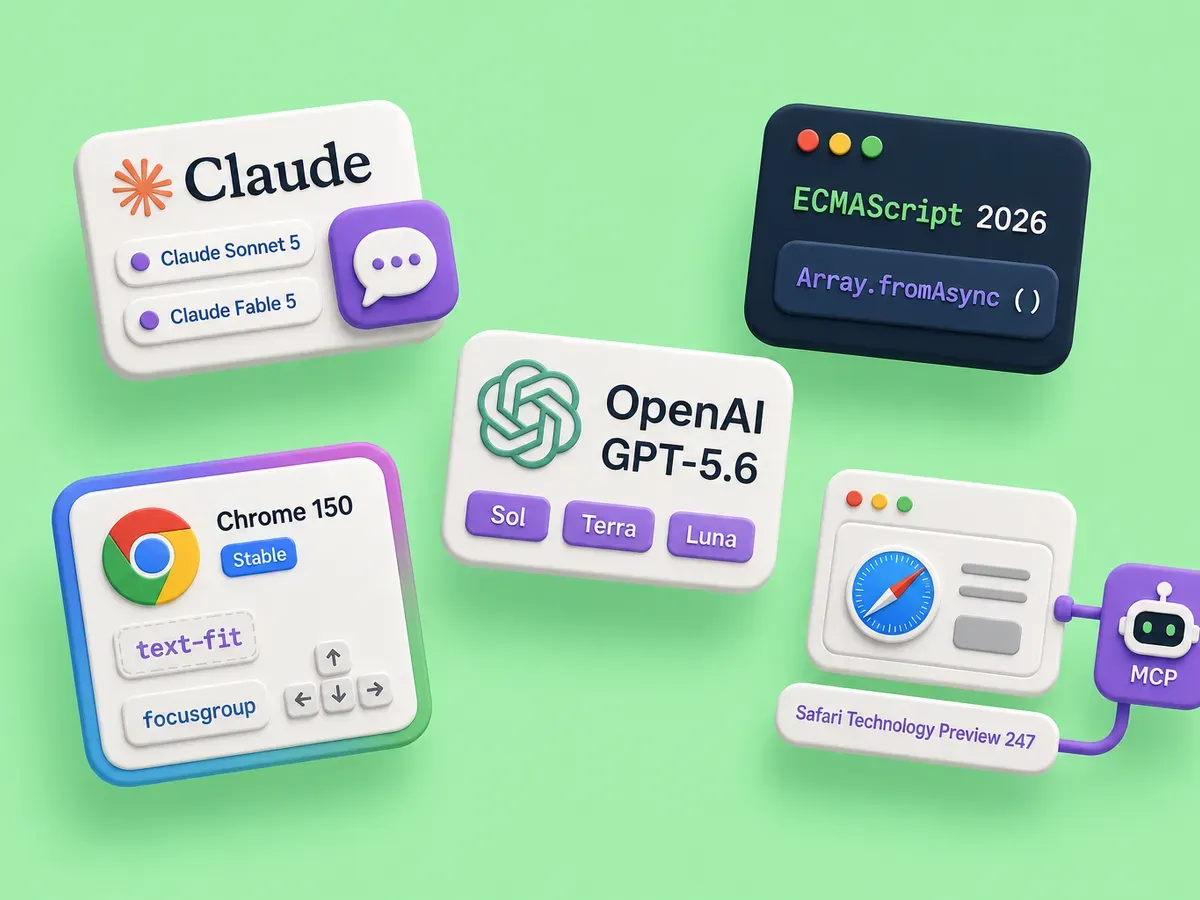
Plenty shipped this week: new models from Anthropic and OpenAI, a new edition of JavaScript, a real CSS drop in Chrome, and a browser learning to talk to your agent.
Anthropic ships Sonnet 5 and extends Fable 5 access to July 12
Anthropic launched Claude Sonnet 5 on June 30, and the pitch is the most agentic Sonnet model yet.
It plans, uses tools like browsers and terminals, and runs multi-step work on its own at a level that took a larger, pricier model a few months ago, landing close to Opus 4.8 on reasoning, tool use, and coding.
Pricing is 2 dollars per million input tokens and 10 dollars per million output tokens through August 31, and it’s the default on the free and pro tiers and available in the API as claude-sonnet-5.
The other half of the story is Fable 5. After export restrictions lifted, Anthropic brought Fable 5 back online on July 1, included on paid plans (Pro, Max, Team, and select Enterprise) for up to half of your weekly usage limit. That included window was set to close on July 7, and Anthropic just extended it to July 12, five more days before Fable 5 shifts to usage-based credits. Fable 5 is the most capable model Anthropic ships, so if you have been meaning to try it on real work, the days before July 12 are when it’s included on a paid plan instead of billed per token.
OpenAI opens GPT-5.6 to everyone on July 9
OpenAI is taking GPT-5.6 public on July 9, after a limited, partners-only preview. It ships as three models: Sol, the flagship for hard reasoning and agentic work, Terra, an everyday model at about half the cost of GPT-5.5, and Luna, the fast low-cost tier. Sol is 5 dollars per million input tokens and 30 per million output, with Terra and Luna stepping down from there, so you can match the model to the task instead of paying flagship rates for everything. OpenAI’s announcement puts the global rollout days away, which sets GPT-5.6 against Anthropic’s Sonnet 5 and Fable 5 for the coding-agent work more of us are handing to a model.
ECMAScript 2026 is approved
Ecma International’s 131st General Assembly approved ECMAScript 2026, the 17th edition of ECMA-262, on June 30.
Approval is the formal step that turns a set of finished proposals into the standard, so most of these features have been in your browser for a while and this is the spec catching up to what shipped.
The headline additions are Array.fromAsync, the async cousin of Array.from for building an array from an async iterable, and the Uint8Array base64 and hex methods (fromBase64, toBase64, fromHex, toHex) that finally make binary-to-string conversion a one-liner instead of a helper you paste between projects.
Rounding out the edition are Error.isError for a reliable error check across realms, Math.sumPrecise for summing floats without the drift, and a batch of iterator helpers.
Chrome 150 goes stable with real CSS, not footnotes
Chrome 150 hit stable on June 30, and the CSS in it is worth your afternoon.
background-clip: border-area clips a background to the area the border paints, which gives you gradient borders without the border-image contortions we have all copied and pasted for years.
It’s landing in more than one engine now but isn’t universal yet, so treat it as progressive enhancement.
The new text-fit property scales the font size of a text node to fit the width of its box, so a heading or a piece of dynamic content sizes itself instead of you writing a resize observer, though it’s Chromium-only for now.
The polygon() shape function also gained an optional corner-rounding parameter, so you can round a clipped shape without hand-computing bezier curves.
The one I would reach for first is the focusgroup attribute, which declaratively gives a composite widget arrow-key navigation, a guaranteed single tab stop, and memory of the last focused item, the roving-tabindex pattern you used to hand-roll for every toolbar and menu.
As of the time of writing it’s in Chrome 150 and Edge, with Firefox and Safari yet to ship it, so the toolbar below only does its arrow-key trick in a supporting browser.
Tab onto it once, then walk the buttons with the arrow keys; the demo explains the fallback everywhere else.
<!-- One tab stop for the whole group; the arrow keys move focus between the buttons. -->
<div class="toolbar" focusgroup="toolbar wrap" aria-label="Sample group">
	<button type="button">Alpha</button>
	<button type="button">Bravo</button>
	<button type="button">Charlie</button>
	<button type="button">Delta</button>
	<button type="button">Echo</button>
</div>

<style>
	.toolbar {
		display: inline-flex;
		gap: 0.3rem;
		padding: 0.35rem;
		border: 1px solid #d9d9de;
		border-radius: 10px;
	}
	.toolbar button {
		font: inherit;
		padding: 0.45rem 0.8rem;
		border: 1px solid transparent;
		border-radius: 7px;
		background: #f2f2f4;
		cursor: pointer;
	}
	/* Tab once to land on the group, then the arrow keys do the rest. */
	.toolbar button:focus-visible {
		outline: 2px solid #2257e6;
		outline-offset: 2px;
	}
</style>Safari ships an MCP server so your agent can drive the browser
WebKit introduced the Safari MCP server in Safari Technology Preview 247 on July 1. It’s a Model Context Protocol server that lets an AI agent connect directly to a Safari window, so the agent can see how your code actually renders instead of guessing from the source. Through it the agent can take screenshots, read and interact with the DOM, inspect network requests, evaluate JavaScript, pull console output, run accessibility and performance checks, and emulate viewports and media features, seventeen tools in all. This comes at the browser-agent problem from the opposite side of Chrome’s WebMCP origin trial, which has run since Chrome 149 and lets a page expose its own tools to an in-browser agent. There a site hands the agent tools; here an external agent drives the browser to debug, straight from the editor you already pair in. If you already work with a coding assistant, this closes the loop between the code it writes and what that code does on the page.
Want more of these in your Google results?