
The Brief #26.27 · Figma's Code Layers, CSS eats more JS
Want more of these in your Google results?
A workflow-heavy week, with one clear theme underneath: more of your job is moving into the platform and into the canvas.
Figma’s Code Layers put editable code on the canvas
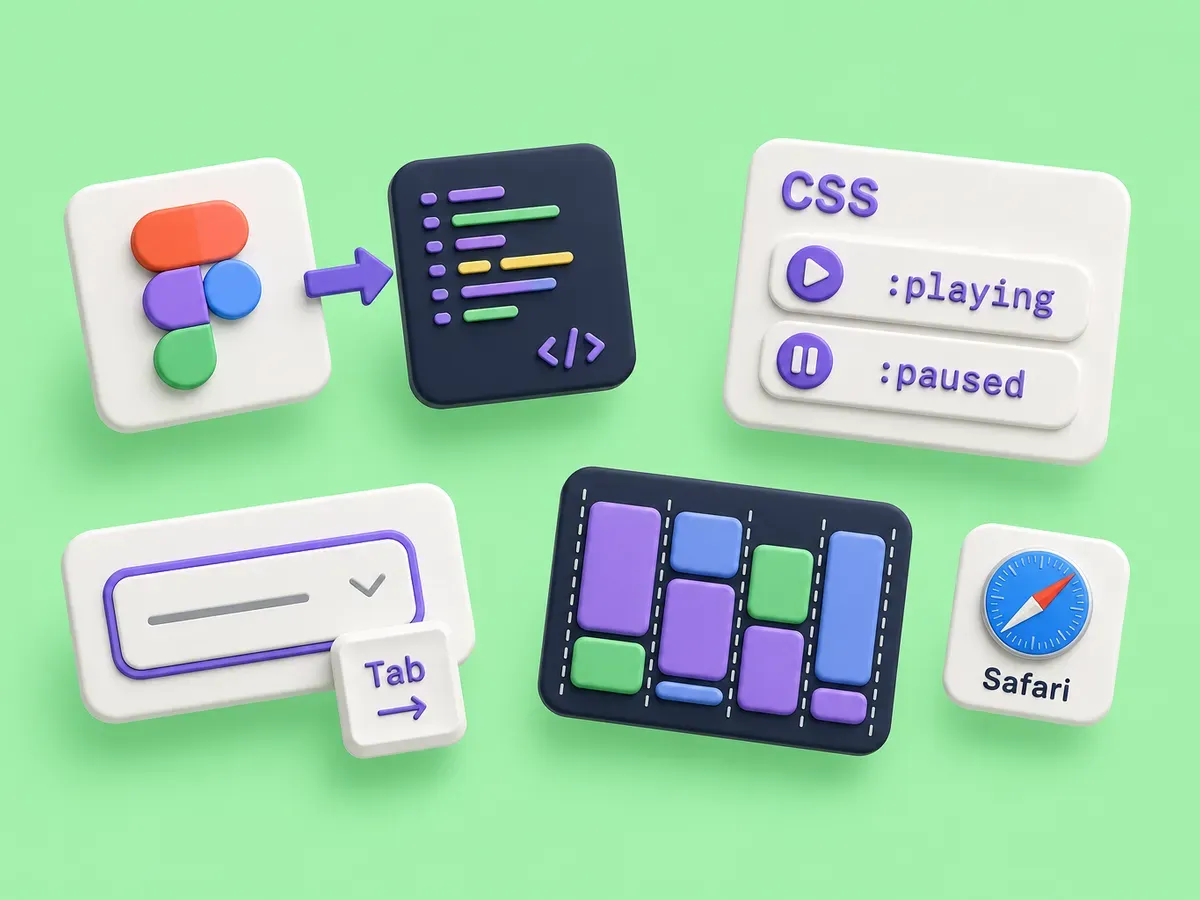
The biggest story for frontend folks this week is Figma’s Config 2026 recap. The piece that matters past the keynote glitz is Code Layers: you take a design layer and turn it into real, editable code with a click, then duplicate it to explore directions, comment on it, and extract frames back into editable layers. Design and code stop being two documents you reconcile and start being two views of the same thing. Code Layers rolls out starting in July 2026, with a waitlist open now.
If you have lived through a few design-to-code handoffs, you already know the catch. Generated code that nobody owns drifts, and a layer that compiles is not the same as a component your team would merge. This is the same review problem every AI authoring tool hands us, now sitting inside the design file instead of a pull request. Worth tracking closely, worth treating with the same skepticism you would give any other generated code.
CSS keeps absorbing what we used to write in JavaScript
Daniel Schwarz has a good explainer on CSS-Tricks about the shifting line between CSS states and JavaScript events. The pattern is years in the making (:hover, :checked, :focus-within, then :has(), :user-valid, popover :popover-open), but it keeps moving, and the newest batch is the media-state pseudo-classes.
:playing, :paused, :seeking, :buffering, :stalled, :muted, and :volume-locked match <audio> and <video> elements based on their current state, which means you can style a custom player’s controls without a single event listener. It is one of the focus areas in Interop 2026 and already landed in Chrome 150 beta.
css
.player:has(video:paused) .play-icon { display: block; }
.player:has(video:playing) .play-icon { display: none; }
.player:has(video:buffering) .spinner { display: block; }
The controls sit in a wrapper beside the <video>, not inside it, so a :has() check on the wrapper reads the media state and styles them. Less state syncing in JavaScript, fewer chances for the UI and the actual media state to disagree.
Accessibility is an operational capability, not an audit
Mikhail Prosmitskiy makes a sharp case in Smashing Magazine that accessibility is an operational capability, not a feature. The argument: the end-of-project audit fails because accessibility is dynamic, and treating it as a checklist you clear once guarantees regressions the moment anyone ships again.
The timely part is the AI angle. Prosmitskiy’s argument is that AI-generated UI is inaccessible by default, so the gaps multiply at exactly the speed you’re now producing markup, unless you constrain the assistant and verify what it ships. The fixes are practical and aimed at where the work actually happens: build accessible components once in the design system and reuse them, constrain your assistant with Cursor or Copilot rules that require semantic HTML and real labels, enforce with eslint-plugin-jsx-a11y and Pa11y in CI, and put accessibility in the definition of done so it gets reviewed on every PR rather than rediscovered at the end. If your team is shipping more UI with AI, this is the operational discipline that keeps it usable.
A free WebKit field guide for CSS masonry (Grid Lanes)
If you want to actually learn the CSS masonry story instead of arguing about its syntax, Jen Simmons and the WebKit team published the Field Guide to Grid Lanes, an interactive reference at gridlanes.webkit.org. Grid Lanes is the layout method for masonry-style packing without JavaScript: you set display: grid-lanes and define columns for a vertical waterfall or rows for a horizontal brick layout, and each item drops into whichever lane has the most empty space. A flow-tolerance value sets how close two lanes have to be in remaining space to count as a tie, and within that tolerance items keep writing-mode (source) order instead of repacking, so the visual order stays in sync with tab order for keyboard and screen reader users.
The guide is genuinely fun: a live editable layout, a single-page reference for every property, and six worked demos with comparisons against Flexbox, Multicolumn, and Grid. Web Inspector understands Grid Lanes too, including an overlay that numbers DOM order so you can confirm the visual packing did not scramble your reading order. It works today in Safari 26.4 and up, and it is the clearest hands-on explainer of where this corner of CSS is headed.
Want more of these in your Google results?